One QR code at the table
At birthdays, reunions, or holiday dinners, one QR code on a phone or card is easier than collecting everyone's number. People scan when they are ready, and the same share works for everyone.
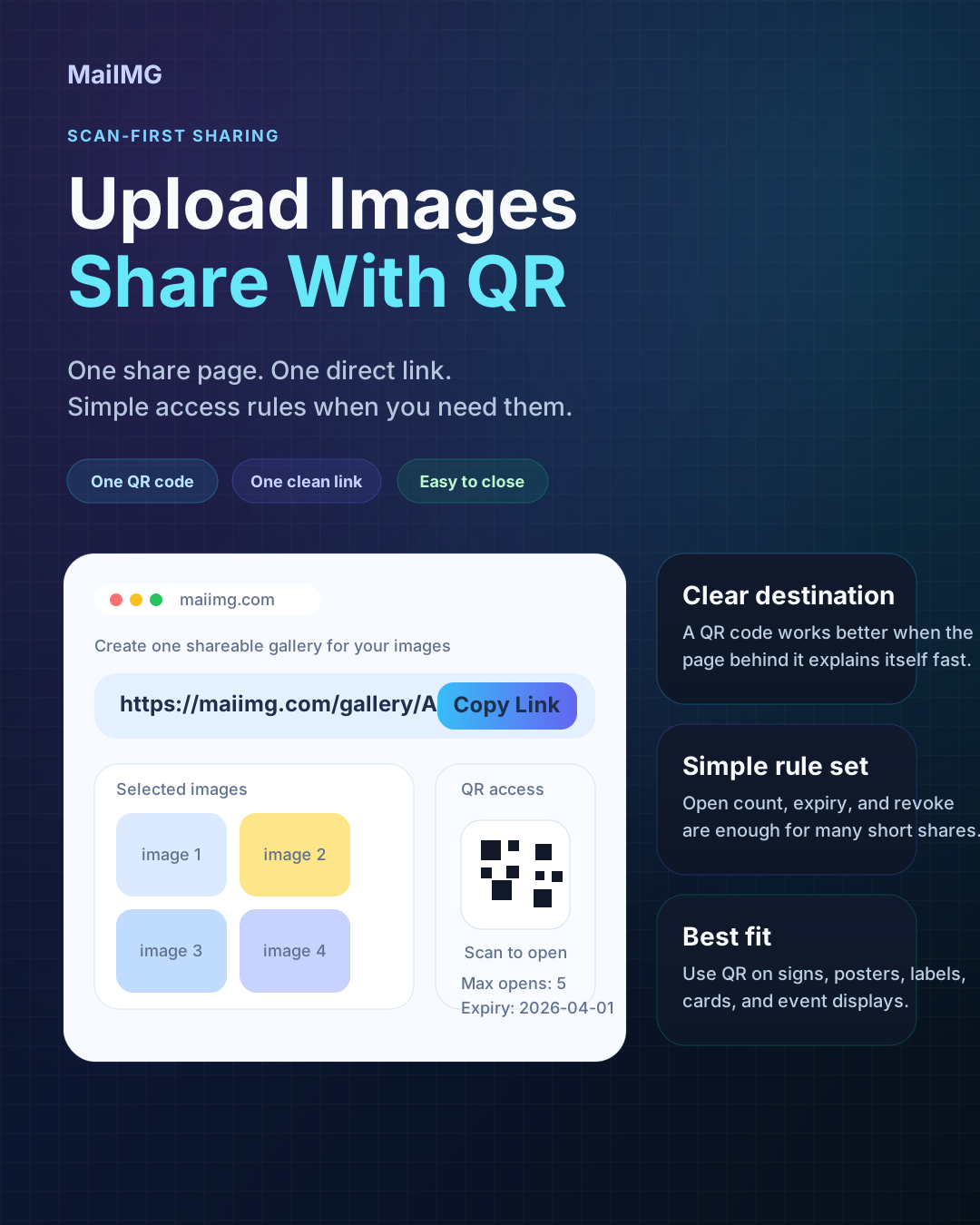
Family sharing gets messy when everyone uses a different app. A QR code keeps it simple: upload one small photo set, show or send one code, and let relatives open the same photos in a browser.
Pick the photos people actually want to see and put them in one focused share.
Older relatives do not need to copy a long URL. They scan the code and tap once.
Use an expiry or revoke the link when the gathering, album, or handoff is finished.
Keep it small: reunion highlights, holiday moments, a birthday batch, or photos for grandparents. One share supports up to 25 files.
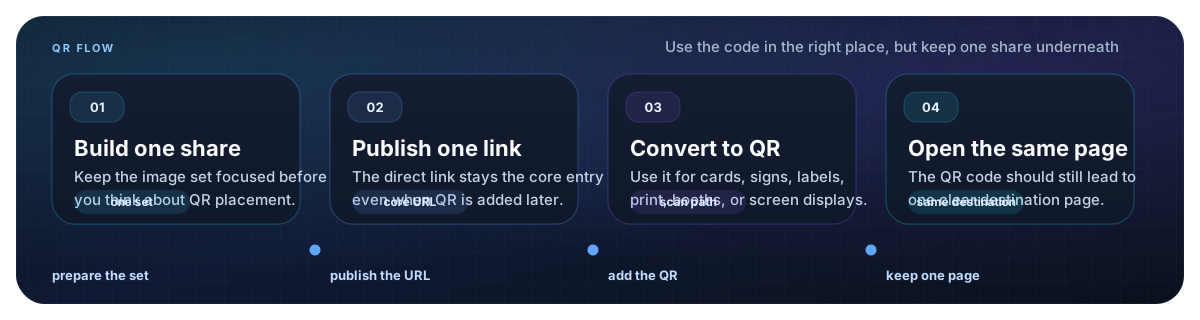
MaiIMG gives you a direct link and a QR code from the same share, so the family can open it either way.
Show the QR on your phone, print it on a small card, or send the image in the family group chat.
At birthdays, reunions, or holiday dinners, one QR code on a phone or card is easier than collecting everyone's number. People scan when they are ready, and the same share works for everyone.


Some relatives use WhatsApp, some use SMS, some prefer email. A browser link and QR code avoid the app problem. You share one access point instead of rebuilding the album in every channel.
Not every family photo set needs to stay open forever. For party pictures, school moments, or travel highlights, set an expiry and close the share later so old forwards do not keep working.
Upload a small family photo set, get one link and one QR code, and let everyone open the same photos without app confusion.
Try MaiIMG