No social media

Share Photos

Off Social Media

A lot of people don't want their family, friend group, or small event to end up as a Facebook post, an Instagram story, or a forwarded WhatsApp broadcast. You don't need a social network to share photos. You need a link you trust.

No algorithm No feed No forever post
01

Only the right people see it

A short-lived link goes to a small group. It doesn't get indexed, scored, or recommended by any feed.

02

A limit and an expiry

Set how many times the link can open, and when it stops working. The share has a defined end, not a forever post.

03

No sign-up for viewers

Family doesn't need a new account to see the photos. No app, no login wall, no “connect your contacts.”

Why “just use Facebook” isn't always the answer

Social networks are good at being social networks. They are not great at being a quiet, bounded way to send photos to a specific group. Everything they do — feed ranking, sharing suggestions, face recognition, advertising — is designed for reach, not for a small trusted share.

What social adds that you may not want

Public comments, a permanent timeline entry, algorithmic reach to people you didn't pick, and photos sitting in an ad-training corpus.

What you actually wanted

“A link I can send to the 8 people who were there, that stops working next week, with no feed and no comments section.”

What fits that

A short-lived share link + a QR code + a view limit + an expiry. Exactly what this page is about.

The non-social way to share photos

1. Pick the right audience first

Write down who actually needs to see these — partner, parents, 6 close friends, the team from Saturday. The audience defines the expiry.

2. Upload a small, ordered set

Up to 25 photos, picked deliberately. A tight set feels more considered than a dump, and it opens faster on phones.

3. Get a link and a QR

One share gives you both. The direct link goes into chat or email; the QR is handy if you'll hand over a phone or print a card.

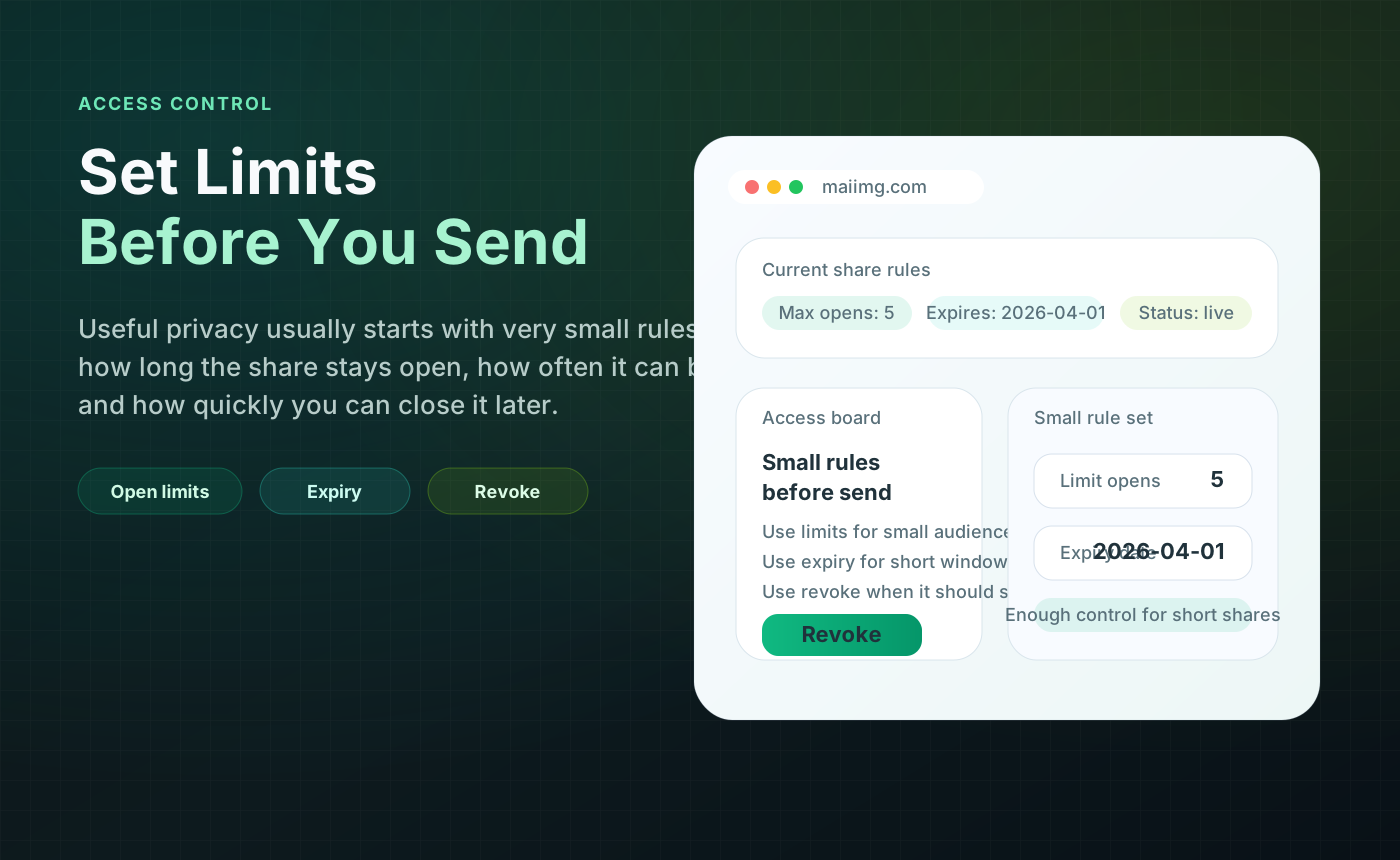
4. Set limits before you send

Decide the view limit and the expiry before the link leaves your device. “Short and specific” is usually safer than “open and forever.”

5. Send to a small list, not a broadcast

Direct messages to the right people. No group post, no status, no story. The link is the thing; the social layer is optional.

6. Switch it off when done

A week or two later, revoke the share. Old forwards stop working. The photos aren't “still out there” somewhere.

What “off-social” sharing actually feels like

No feed, no algorithm

The photos go to 8 people, not to an audience

A social post puts your photos in front of an audience: friends of friends, reshares, suggested people. A direct link does the opposite — it goes to the names on your contact list and stops there. No recommendation engine is involved.
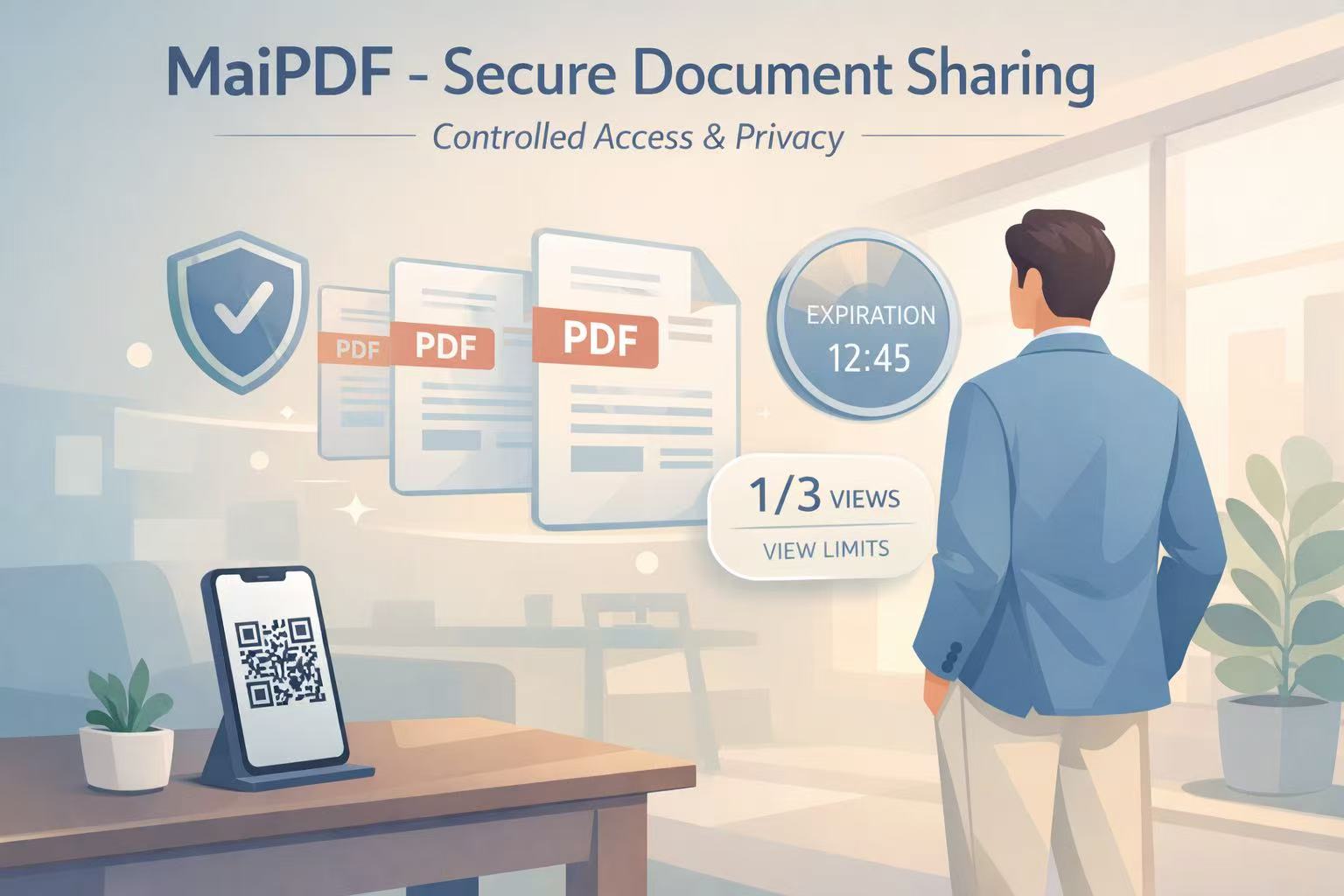
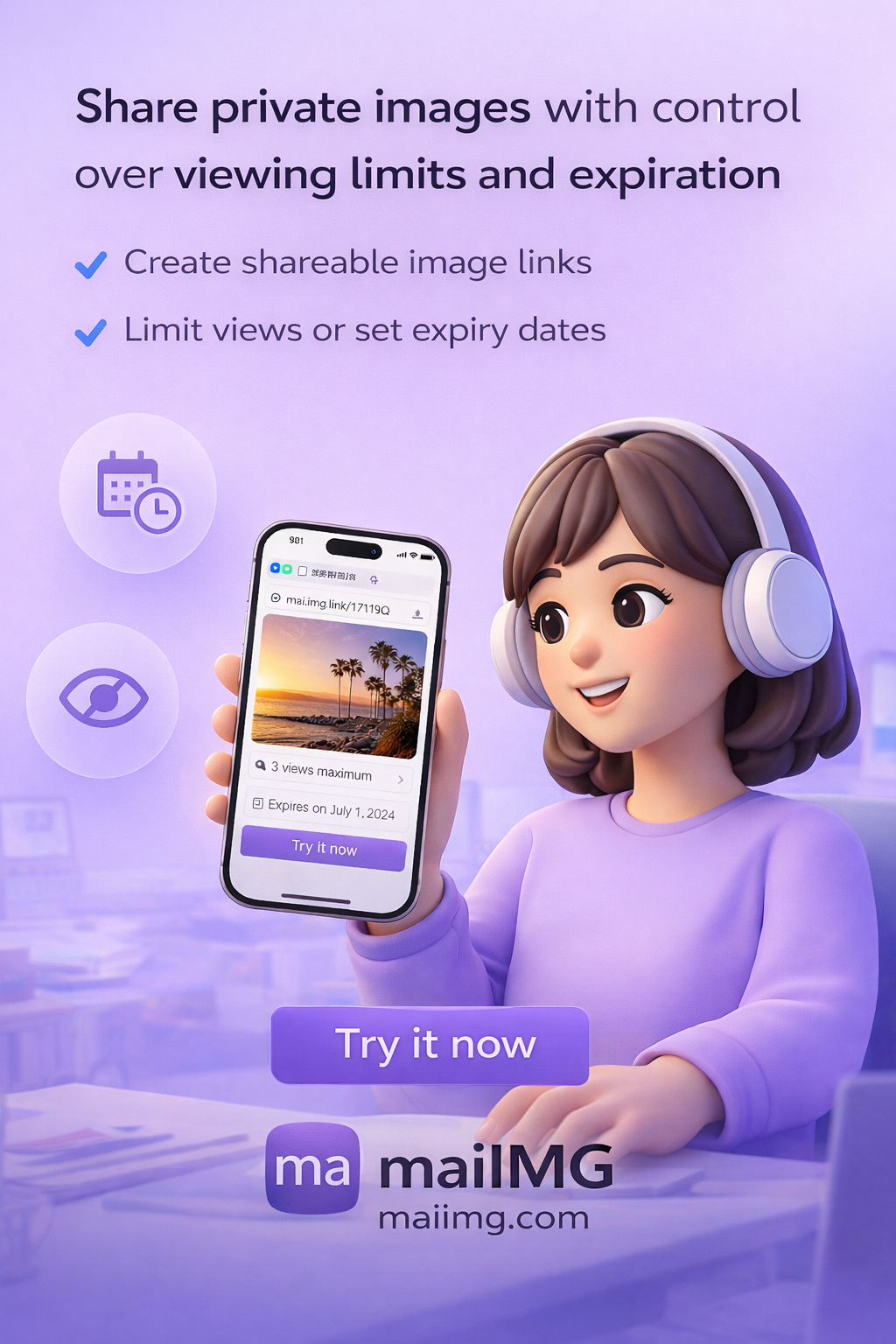
Private photo sharing link on a phone, not on social media
Access control panel for image sharing: view limit, expiry, revoke
Real controls, no settings maze

A link you can actually close

Social platforms let you archive or unpublish — which doesn't really help once forwards are out. A closeable share link means the URL itself stops working, including whatever got forwarded. That's the difference that matters.

On the other side

Family doesn't need a new account

The viewer opens the link and sees the photos. That's it. No sign-up to see a post, no “log in to continue,” no “download the app to view.” If you've ever tried to get a parent through an Instagram signup just to see a single photo, you already know why this matters.

Friendly phone screen showing a private photo share

Quick off-social checklist

FAQ

No. The share is a link — it isn't a post on a timeline, there is no public profile, no comments section, and no social feed to rank it.

That's why the view limit and the expiry matter. A limited link that's been forwarded will still hit its cap or its date, and the forwarded copy becomes useless. You can also revoke the share manually at any point.

No account for viewing. No app install, no email capture, no “sign up to see more.” The link opens; the photos appear.

It's not an encryption product. It's an access-control product: closeable links, view limits, expiry. For most personal situations where “I just don't want this on Instagram” is the real goal, that's the right level of control.

Related reads

Share the moment. Skip the post.

One link, one QR, a limit and an expiry, a switch you can flip. The small group gets the photos; the rest of the internet doesn't.

Try MaiIMG