Limit opens, not just time
An expiry date answers "until when?" A view limit answers "how many times?" Put them together when you are sharing previews, proofs, private family photos, or anything that should not be passed around forever.
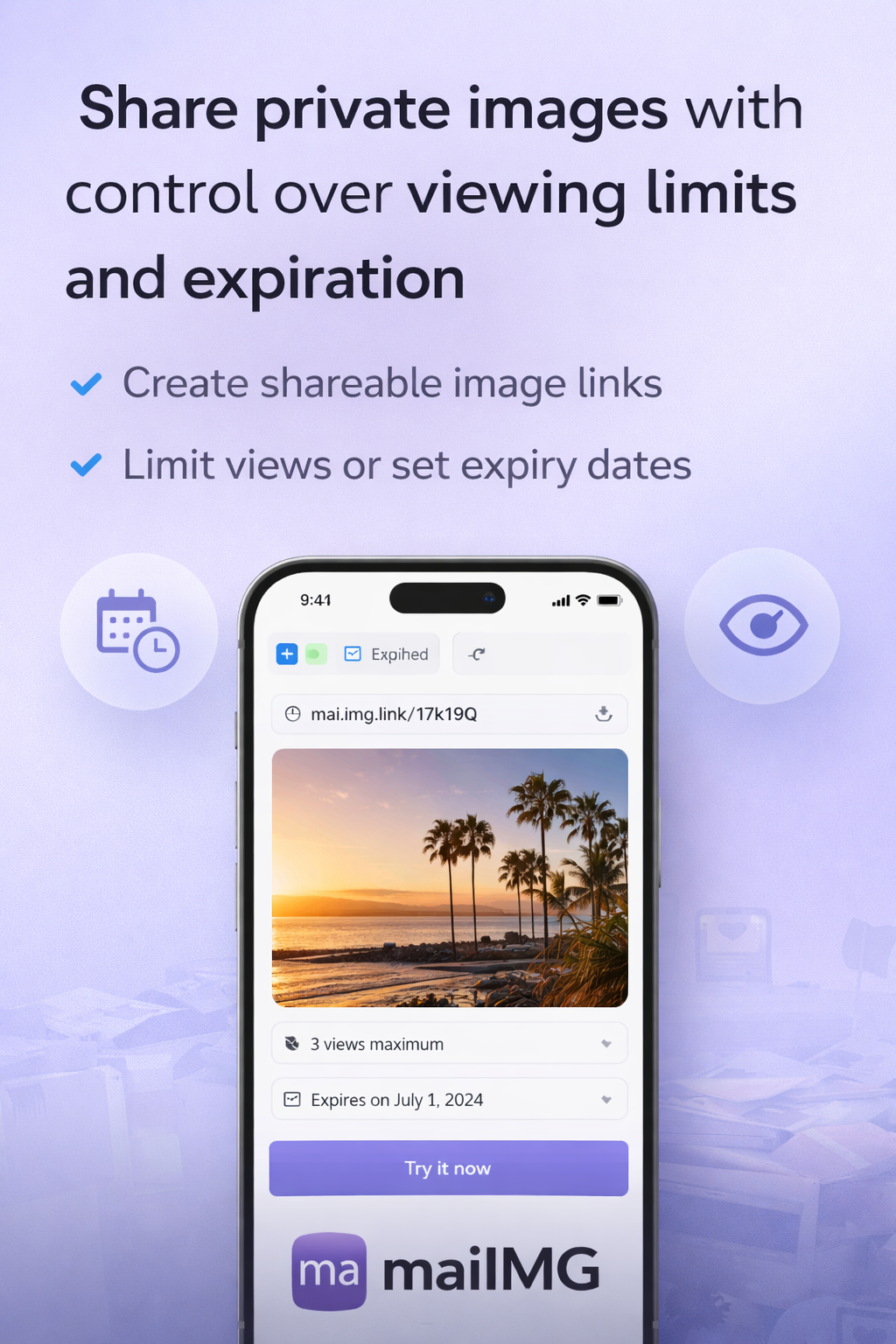
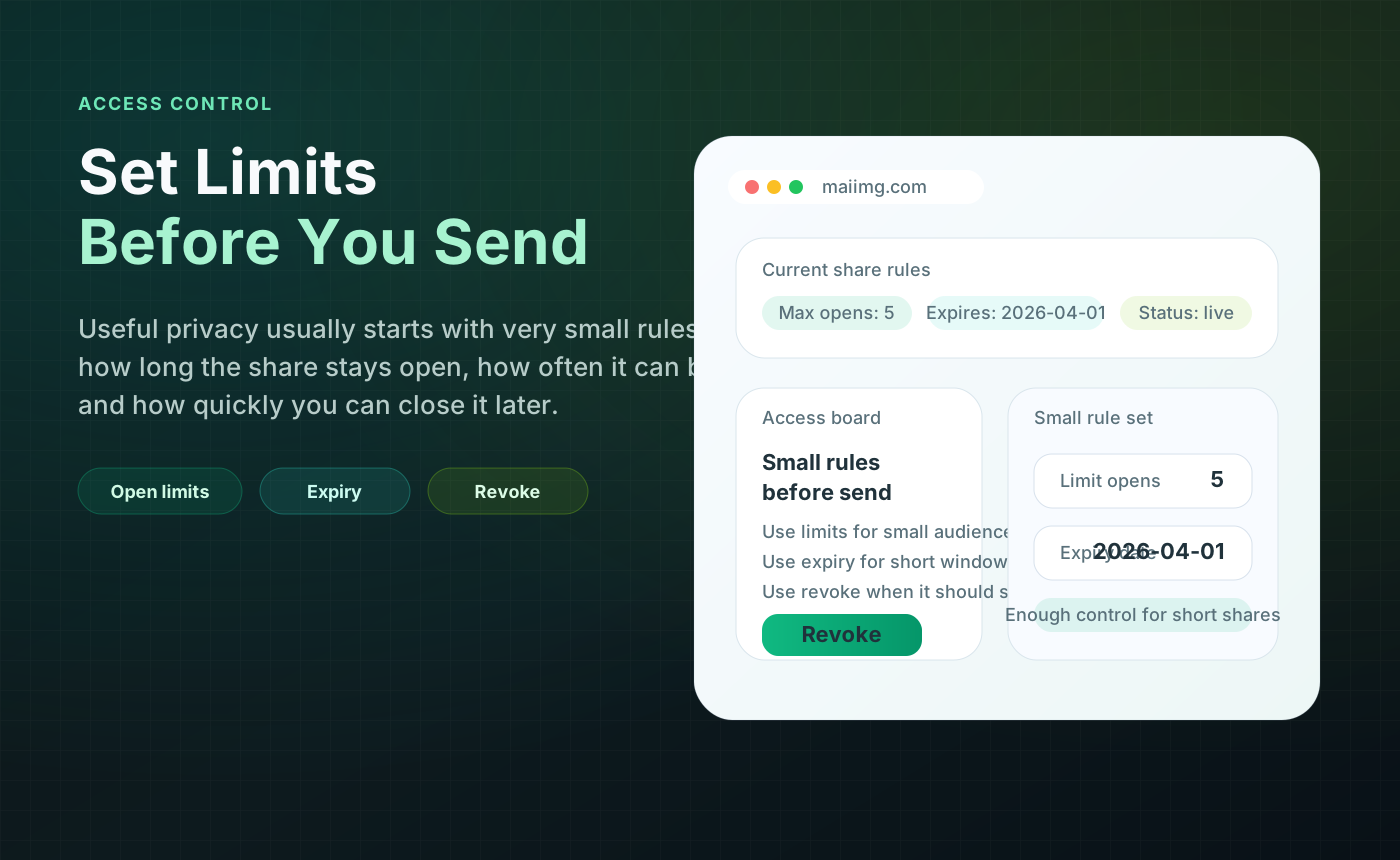
A shared photo link should not live forever by accident. Choose a window before you send it, pair it with a view limit, and close it when the photos have done their job.
Use hours or a few days for quick previews, drafts, and event photos.
Give people enough time to open, review, and save the set without leaving it open forever.
Access records help you decide whether to follow up, wait, or revoke the share.
Use for quick previews, one-off checks, or photos someone only needs to open once while you are both online.
Use for family batches, small events, school photos, or anything people may open later in the week.
Use only when the link has a clear ongoing purpose. If the purpose is vague, choose an expiry instead.
An expiry date answers "until when?" A view limit answers "how many times?" Put them together when you are sharing previews, proofs, private family photos, or anything that should not be passed around forever.
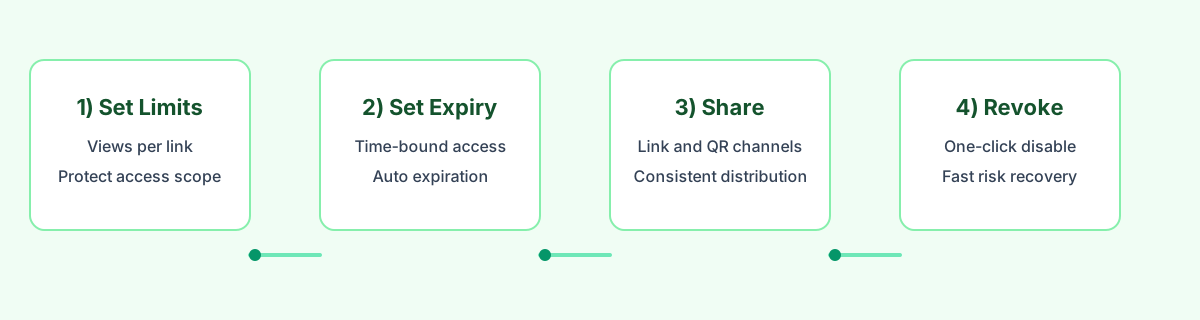
If the link was opened, you can close it after the task is complete. If it was not opened, resend it or choose another channel. Records should lead to a simple next step, not a complicated dashboard.
If someone forwards the link, the same expiry and revoke controls still apply. When the share is closed, both the direct URL and the QR code stop working because they point to the same share.
Upload a small set, get one link and one QR code, set a view limit and expiry, then close the share when it has done its job.
Try MaiIMG