Scan to share

Share Photos

With a QR Code

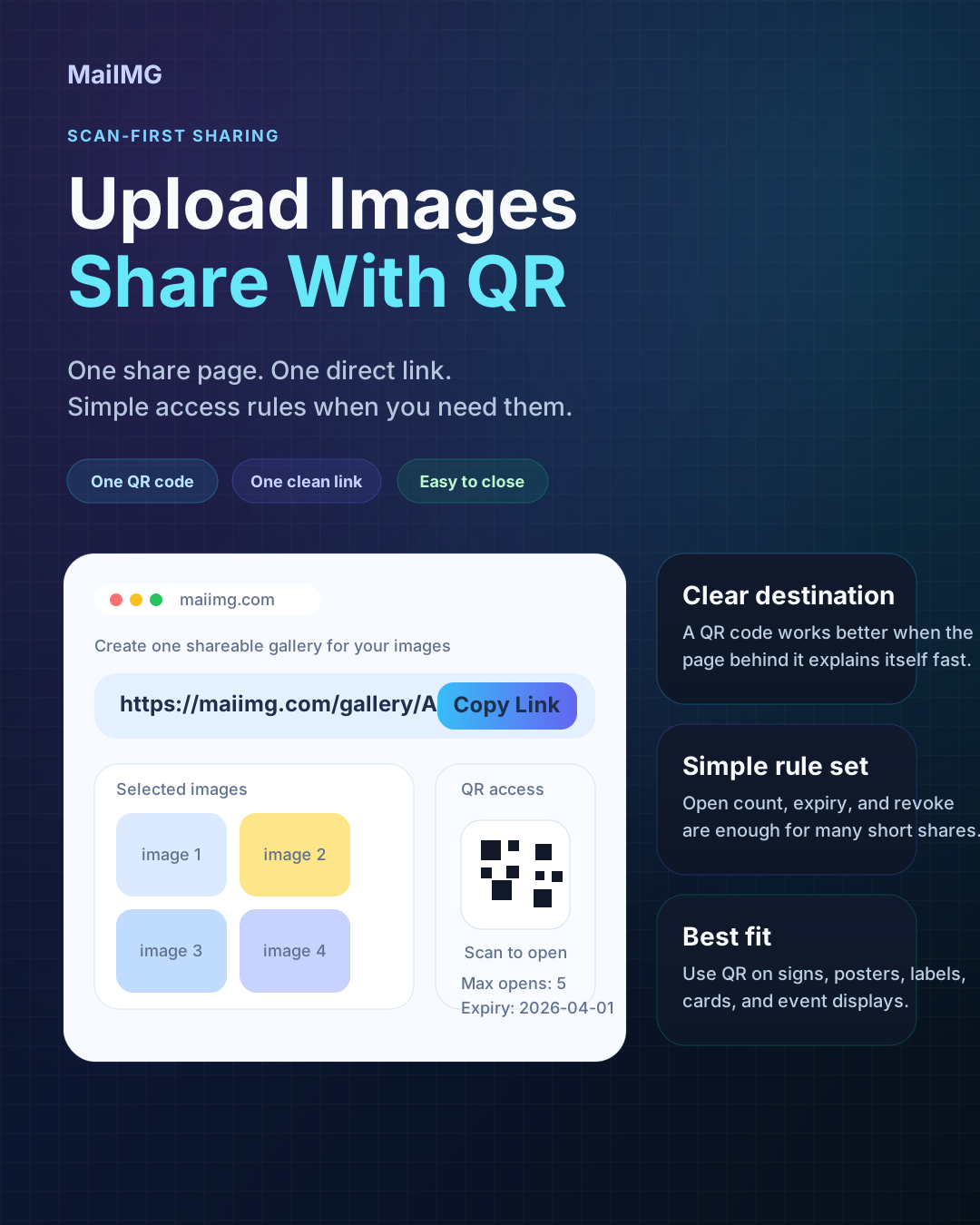
The easiest way is the boring way: upload a small set, get one link and a matching QR code, and let anyone scan once to see the photos. No app download, no account creation, no typed-out URL.

One scan No app No typing
01

Upload a small set

Up to 25 photos per share. Ordered. No duplicates. That's the whole upload step.

02

Get a link + a QR

Both are generated from the same share, so the QR isn't a separate thing to keep in sync.

03

Let people scan

Phone camera, one tap. The photos open. That's the whole point of using a QR code in the first place.

3 steps, for real

Step 1 · Upload

Drop up to 25 photos into one share. Keep the order the way you want people to see them — cover first, then highlights, then details.

Step 2 · Generate

The share gives you a direct URL and a QR code. Same back end, same content, just two ways to open.

Step 3 · Show the QR

On a phone screen for in-person, on a printed card for a venue, or as a small image in a chat. People scan once.

When a QR code is actually the right tool

In person

At a table, in a classroom, at a market stall, on a poster. QR beats “let me text you the link” every time.

On paper

Cards, tags, packaging, signs. Anywhere the audience has a phone but typing a URL would be awkward.

Not worth it

Inside a chat message. There, just paste the direct link — scanning your own screen is just a harder way of tapping.

What this looks like

On a card

One small printed QR is enough

It doesn't need to be big, fancy, or decorated. A simple, high-contrast QR code on a small card is the most reliable way to get people from “I should see those photos” to “they're on my screen.”
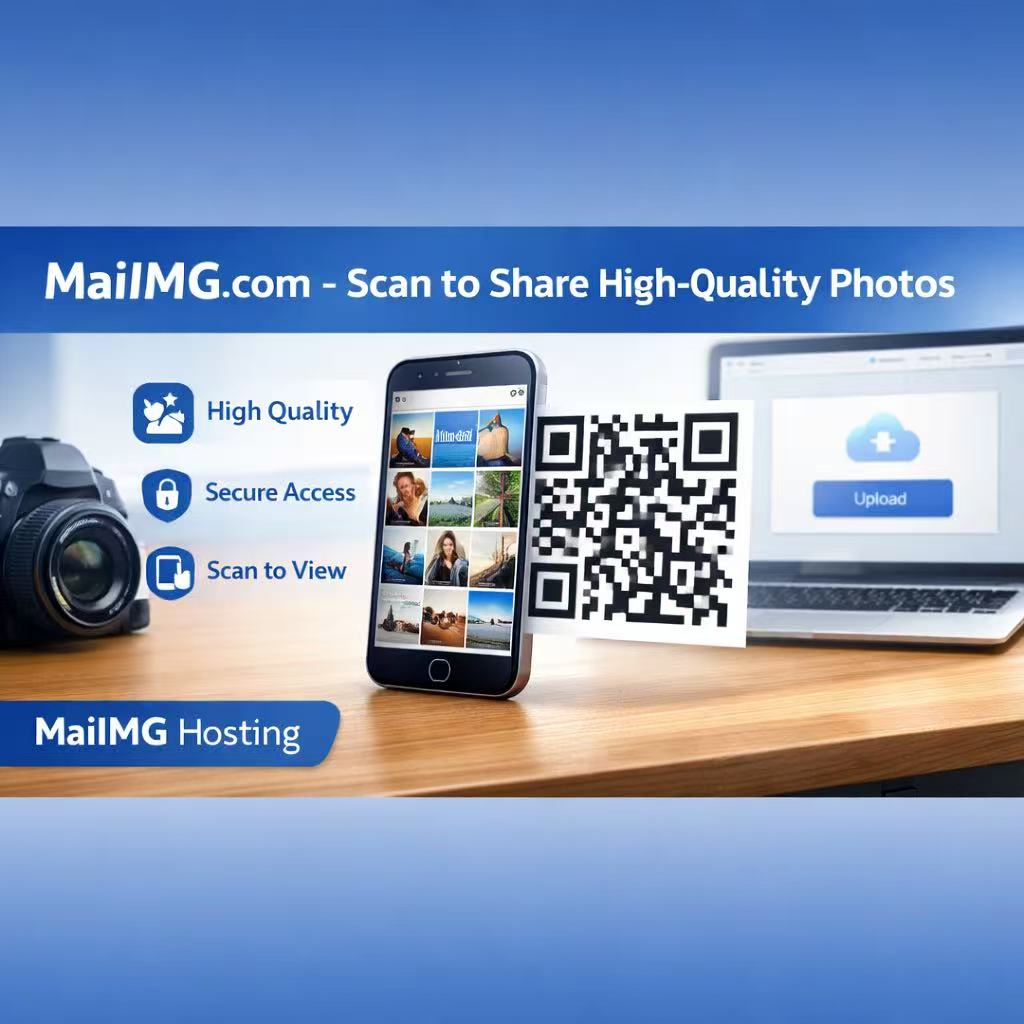
Printed QR code poster card for sharing photos
Person scanning a photo QR code with a phone camera
Phone camera

No QR app — just the phone camera

On every modern phone, the camera is already a QR reader. Point at the code, tap the banner, the link opens in the browser. You don't need to install anything; your guests don't either.

The flow

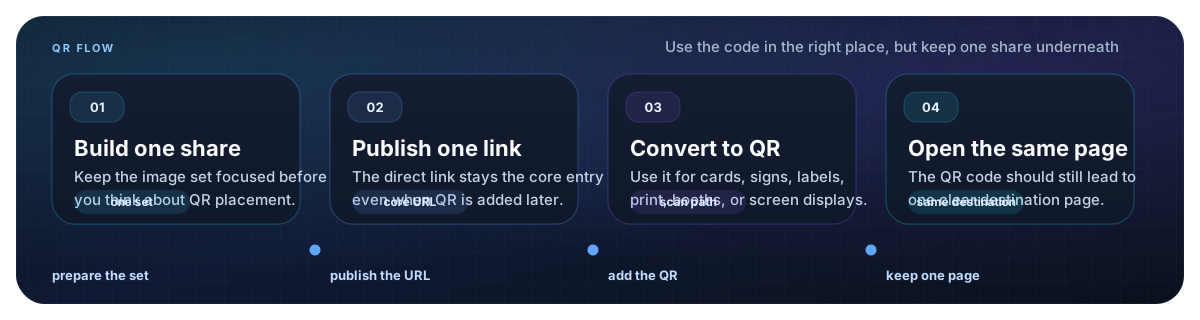
Same share, two ways to open

The direct link and the QR come from one share. Change something in the share and both reflect it. Switch the share off and both stop working. That's the whole reason not to bolt on a separate QR tool.

Flow diagram showing how a share link and its matching QR code stay in sync

The 30-second checklist

FAQ

No. On any modern phone, the built-in camera app reads QR codes. Point, tap the banner, the link opens in the browser.

Yes. The QR encodes the same URL as the direct link. Update the share and both reflect it. Close the share and both stop working.

Yes. The QR is generated at a resolution that prints cleanly on business-card and postcard sizes. Just keep good contrast and leave a little quiet space around it.

Yes. Set a view limit (the link stops working after N opens) or an expiry (the link stops working after a date). Both apply to the QR too.

Related reads

One scan, one link, one small photo set

Upload up to 25 photos, grab the link and the QR code from the same share, and let your audience open the photos with one tap.

Try MaiIMG