Cross-platform sharing

Share Across Devices

With One Link

This is not a replacement for system-level nearby transfer. It is for a different job: sending a small photo set to people on different phones, computers, and chat apps with one browser-friendly link and QR code.

Mixed devices One link + QR Close when done
01

People use different apps

Some are on iPhone, some on Android, some on desktop. A link avoids choosing one app for everyone.

02

People are not always nearby

Send the same share in chat, email, or a document. Use the QR code when people are together in person.

03

The link has an ending

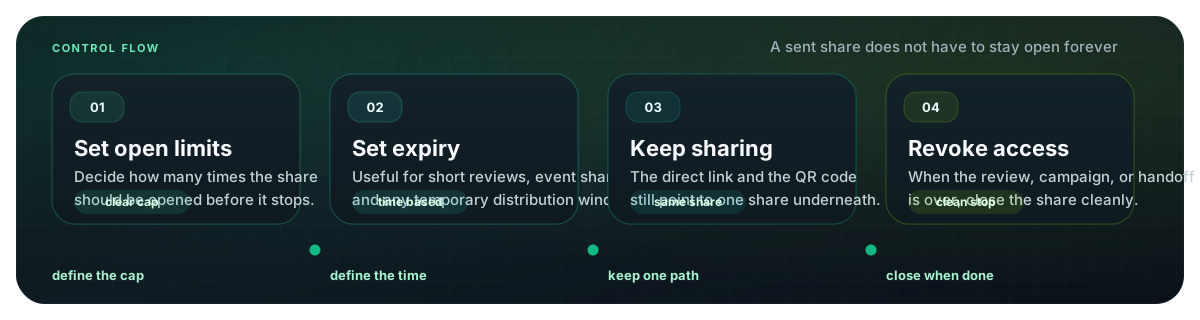
Set a view limit or expiry, check access records, and revoke the share after the task is finished.

When one link is the honest answer

Nearby transfer is great when everyone is in the same room and on compatible devices. MaiIMG is useful when that is not the situation: the group is mixed, remote, or easier to reach through a normal browser link.

Mixed-device groups

Family members, classmates, guests, and customers may not share one ecosystem or one chat app.

Remote recipients

A link works after the event, across time zones, and inside the channel people already use.

Temporary sharing

View limits, expiry, access records, and revoke controls make the share easier to close later.

A practical cross-platform flow

Small set

Start with one focused photo set

Upload the photos people actually need to see: a few reunion highlights, a product batch, a school event set, or a small client preview. MaiIMG is built for focused shares, up to 25 files at a time.
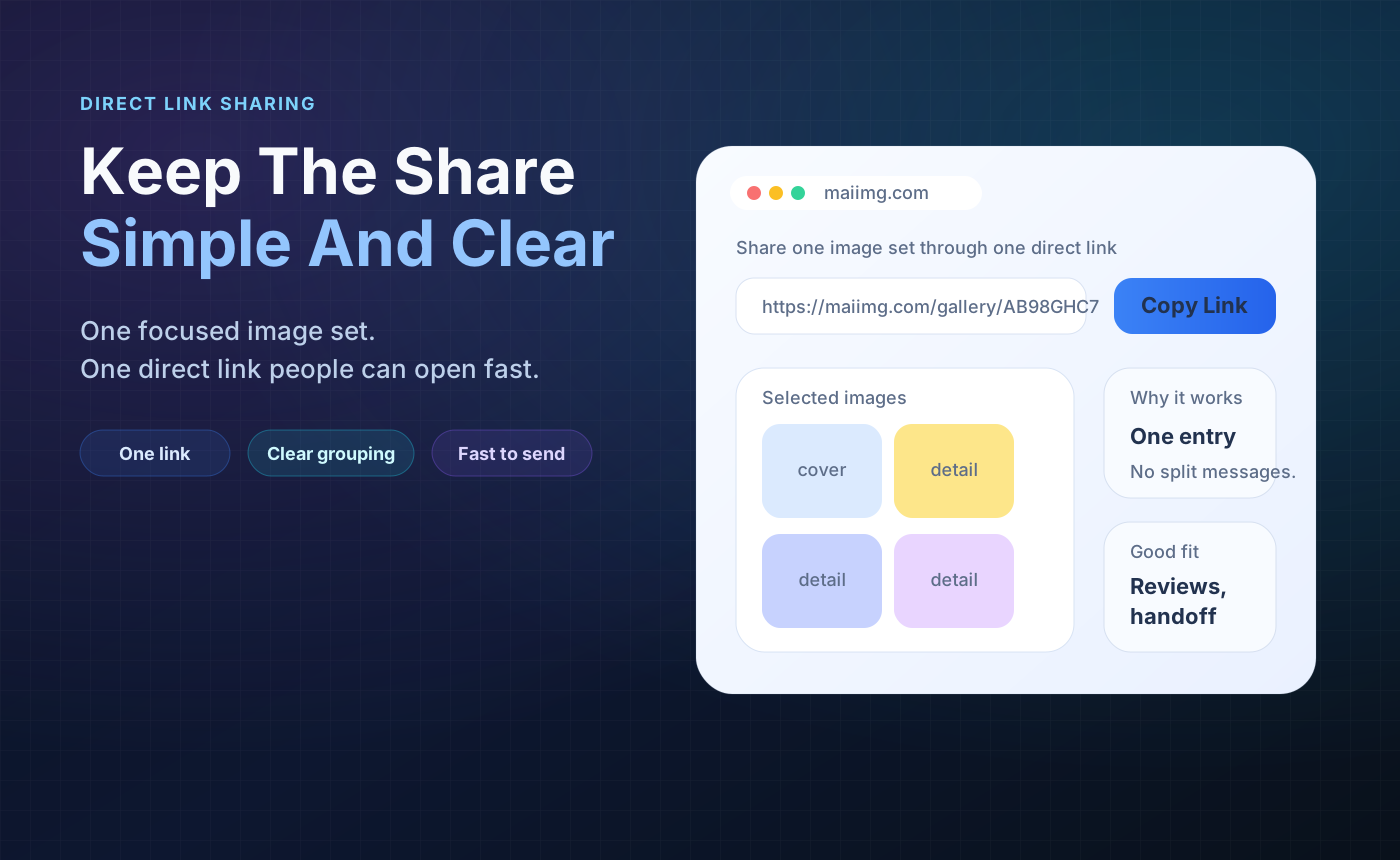
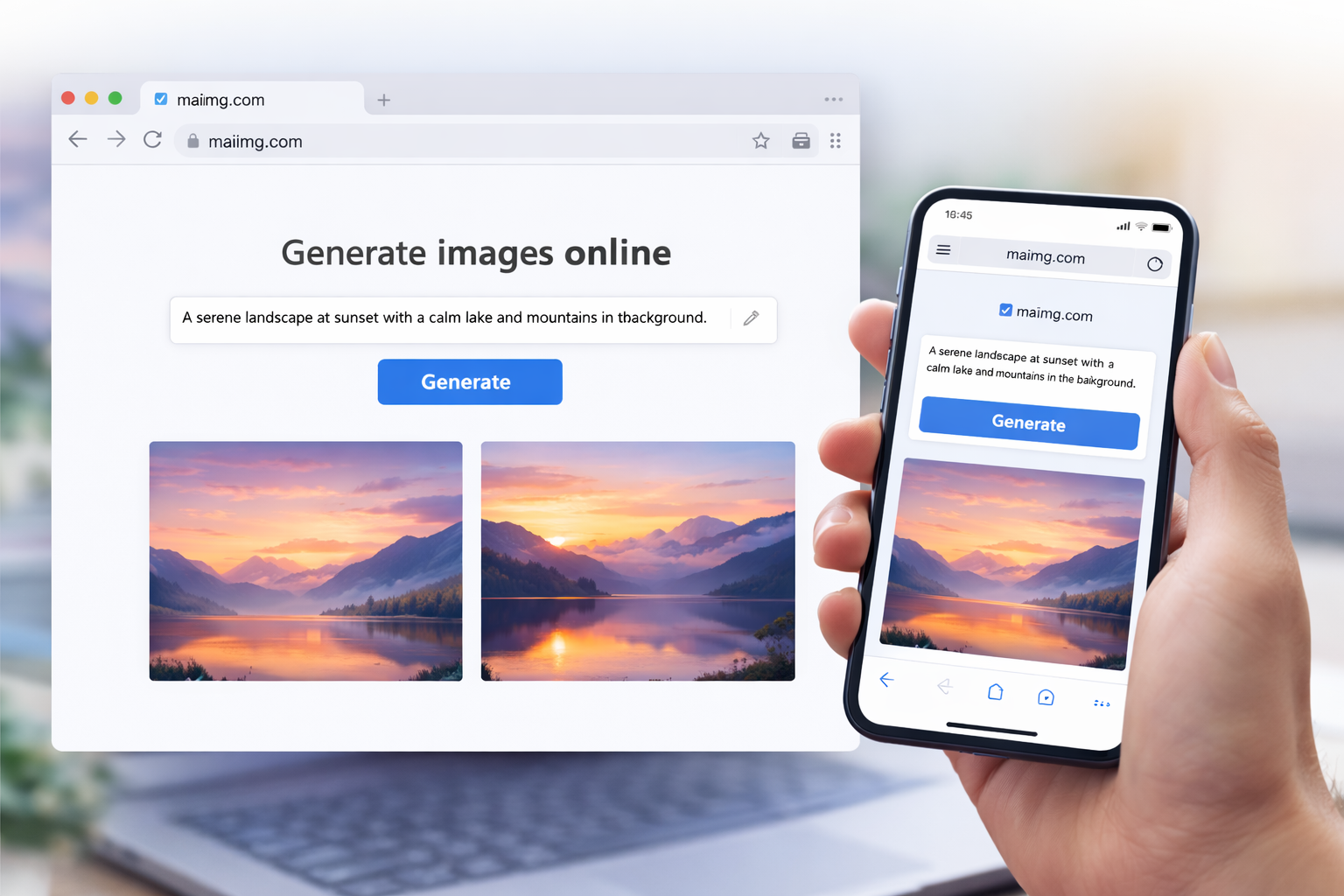
One photo sharing link that works across phones, computers, and apps
MaiIMG share result with link and QR code
Link + QR

Use the link online and the QR code in person

Paste the link into chat or email. Show or print the QR code when people are nearby. Both point to the same share, so the photos and controls stay in sync.

Controls

Set the limits before sending

For private or temporary photo sets, set a view limit and expiry before the link leaves your hands. Then use access records to decide whether to resend, wait, or close the share.

Cross-platform photo sharing flow with link, QR code, view limit, expiry, and revoke

Use this when

Do not use this claim

Do not describe MaiIMG as a faster or better nearby-transfer tool. That is not the product. The honest promise is simpler: a small photo set can become one link and one QR code, with basic access controls, so people on different devices can open it in a browser.

FAQ

No. Nearby transfer is a different job. MaiIMG is for sharing a small photo set through a browser link and QR code, especially when people use different devices or are not nearby.

No. The share opens in a browser from a direct link or QR code. That is the point of using a link-based flow.

MaiIMG supports images and short videos in focused shares. Keep the set small and organized so it stays easy to open.

Yes. Set an expiry or view limit before sending, and revoke the share when it has done its job. The direct link and QR code stop together.

Related reads

One browser-friendly share for mixed-device groups

Upload a focused photo set, get one link and one QR code, set the limits, and send it through whichever channel people already use.

Try MaiIMG