One calm link instead of a flood of attachments
Family members don't want to download 150 photos. They want a single link that opens, scrolls, and looks clean on the phone they already use. The link does the work; they just look.
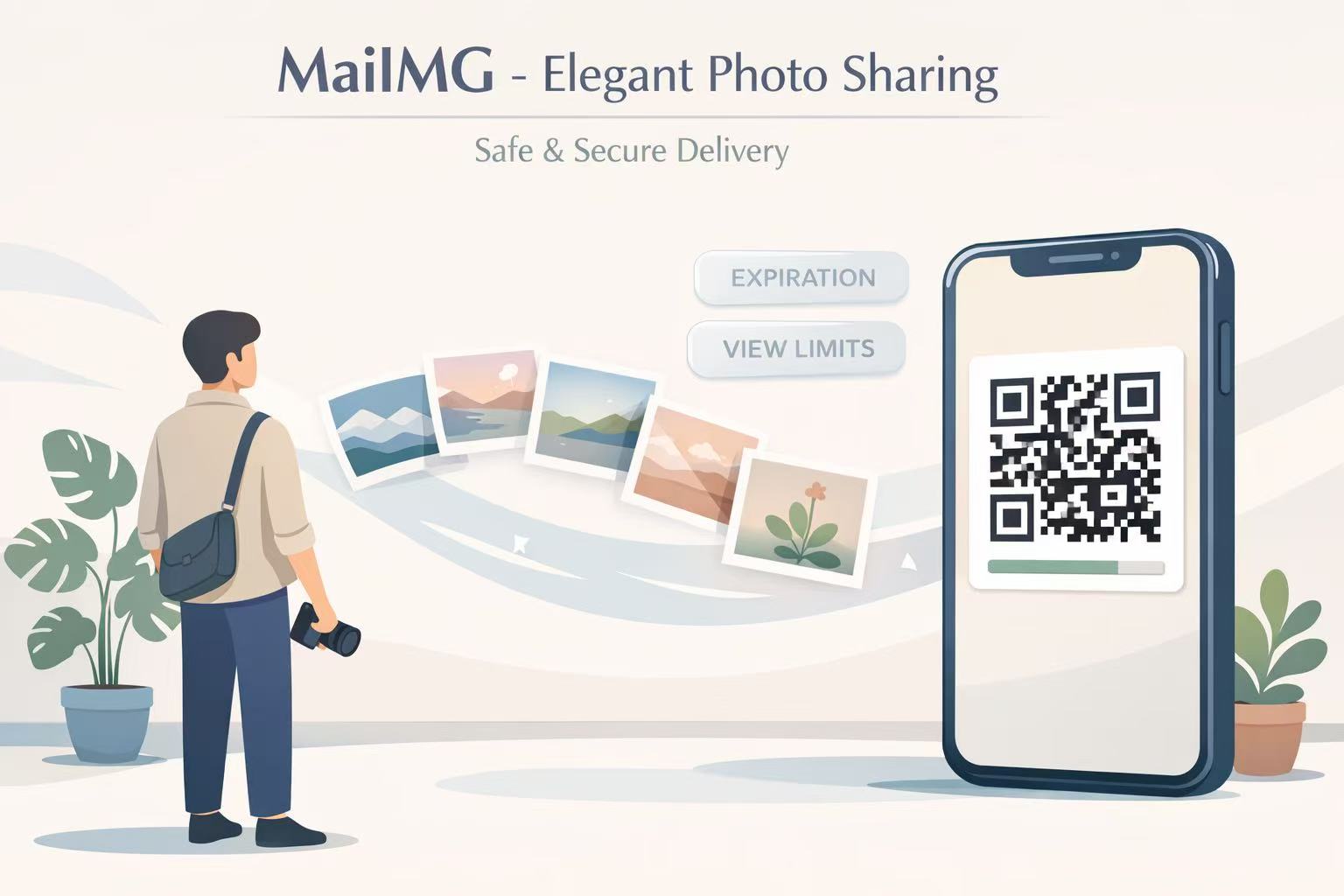
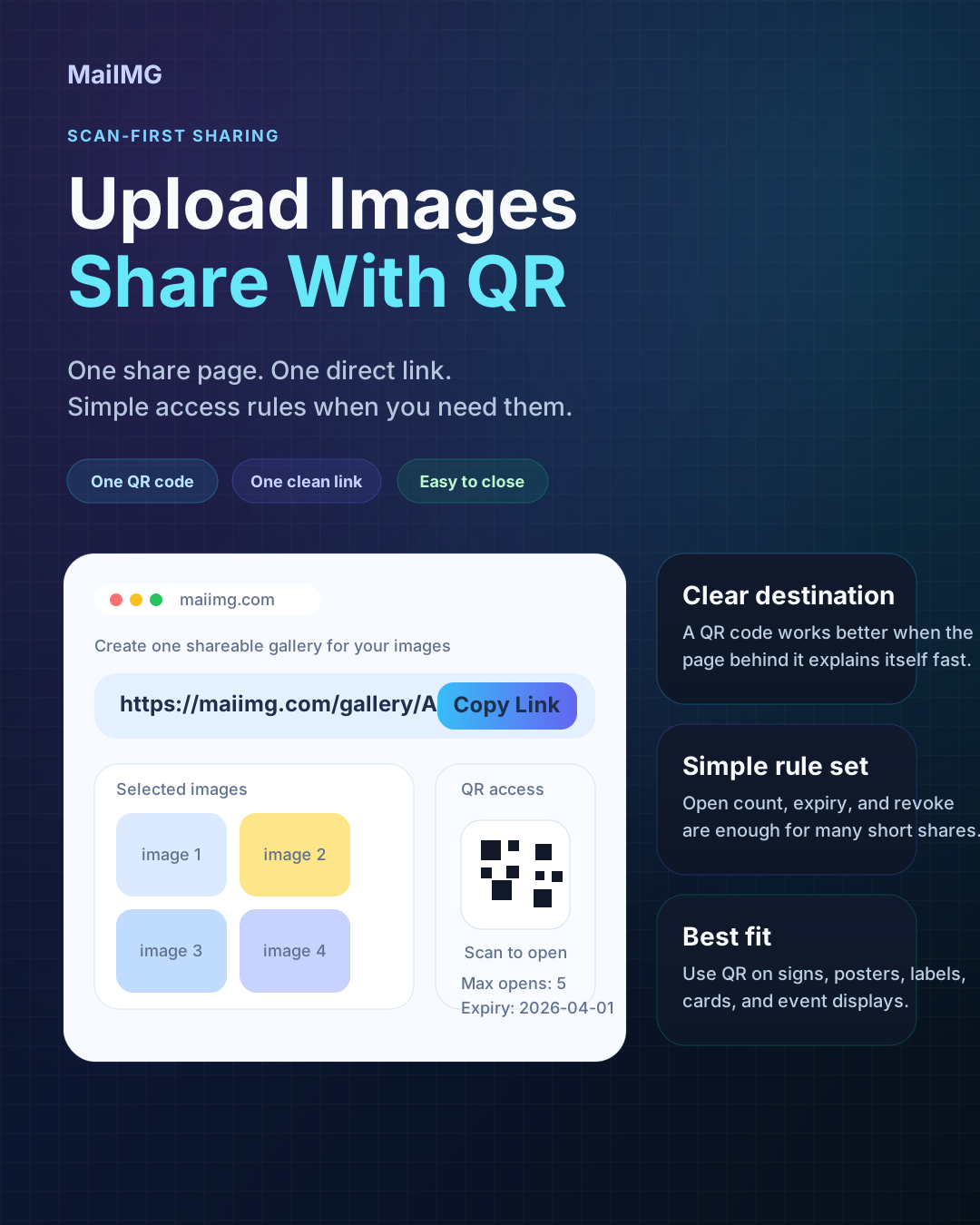
One link and a QR code are enough. Family opens on their phone, guests scan at the reception, and you switch the link off when the day settles down. No app, no login, no chat spam.
Ceremony, portraits, afterparty. Split the story into a few focused links instead of one giant dump.
The same share gives a direct link for chat and a QR code for printed cards at the venue.
Set an expiry, or switch the link off after the thank-you notes go out. The photos stop floating around.
This is a short, practical guide for the two groups that actually care: close family who want the real photos, and guests who want to remember a moment they were part of. The approach is deliberately boring: one link, one QR, a view limit, and an expiry.
Sending the real photo set to family, to the wedding party, or to a table of guests who asked for “the link.”
One share holds up to 25 files. Bigger libraries should be split by moment (ceremony, portraits, party).
One direct link and a matching QR. A view limit, an expiry, and a one-click switch-off when the day ends.
Make a short list of moments: ceremony, portraits, family shots, reception. One link per moment is easier to open than a 300-photo dump.
Inside each share, order by what a family member wants to see first: the cover photo, then the key shot, then the details.
Print the QR on a small card and leave it on tables. Guests scan once, no app, no download, no group chat forwarding.
Set a view limit or an expiry before the link goes out. When the week is over, switch the link off.
Family members don't want to download 150 photos. They want a single link that opens, scrolls, and looks clean on the phone they already use. The link does the work; they just look.

At a wedding you don't want to spell out a URL at a loud table. A small printed QR code on each table solves that completely. Phone camera, one tap, the photos open.
You upload the small set once. The link and the QR are generated from the same share — not two separate copies to keep in sync. Chat gets the link; the venue gets the QR; they point at the same photos.

Guests at a wedding are already holding a drink and a phone. “Scan this QR” is the only instruction that actually works. Nothing to install, nothing to register, nothing to forward.
Upload a small set, get one link and a matching QR code, set a view limit and an expiry, and you're done. Family opens on their phone; guests scan at the venue.
Try MaiIMG