Event runbook

Event Photo

Sharing Runbook

Events don't need a gallery platform. They need a calm way to get photos from “just happened” to “already shared” — without flooding a chat group with 200 attachments or asking anyone to install an app.

One link per moment QR on the tables Quiet after closing
01

Split the event into moments

Arrival, main moment, group shots, afterparty. One link per moment beats one giant dump every time.

02

Scan from the table

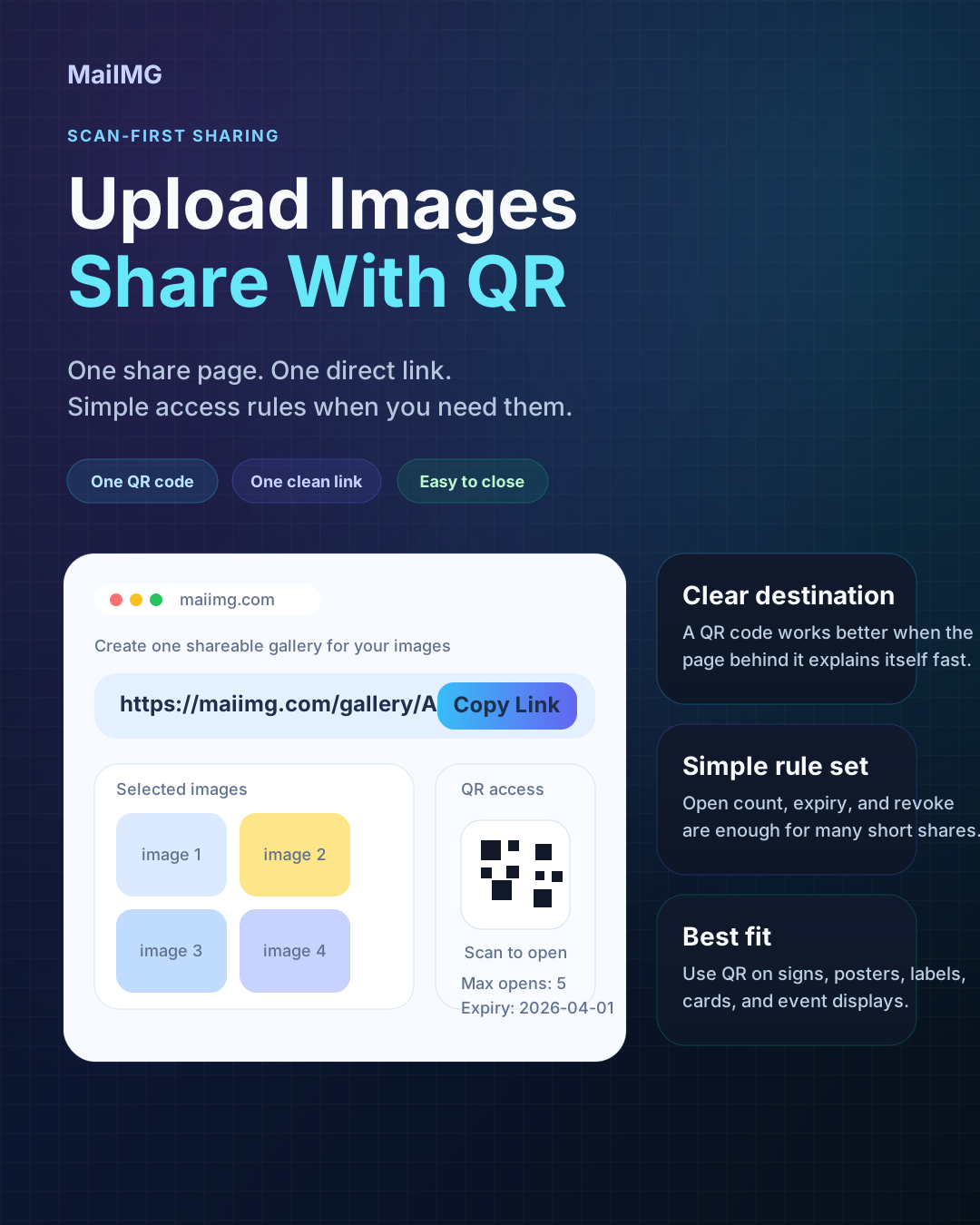
Print one small QR card per table. Guests scan, photos open. No typing, no forwarding, no app install.

03

Turn it off when done

After a few days, switch the link off. The photos stop drifting; old forwards stop working.

What this runbook is for

This covers the normal range of small-to-medium events: birthdays, anniversaries, small weddings, school concerts, team offsites, launches, and community gatherings. The goal isn't a permanent gallery. The goal is a clean, short-lived way to let the right people see the photos, without turning the group chat into a war zone.

Best for

Any event with more than a handful of guests and more than a handful of photos worth sharing.

Hard limit

One share holds up to 25 files. Bigger nights should be split by moment — the storytelling works better that way too.

Real tools

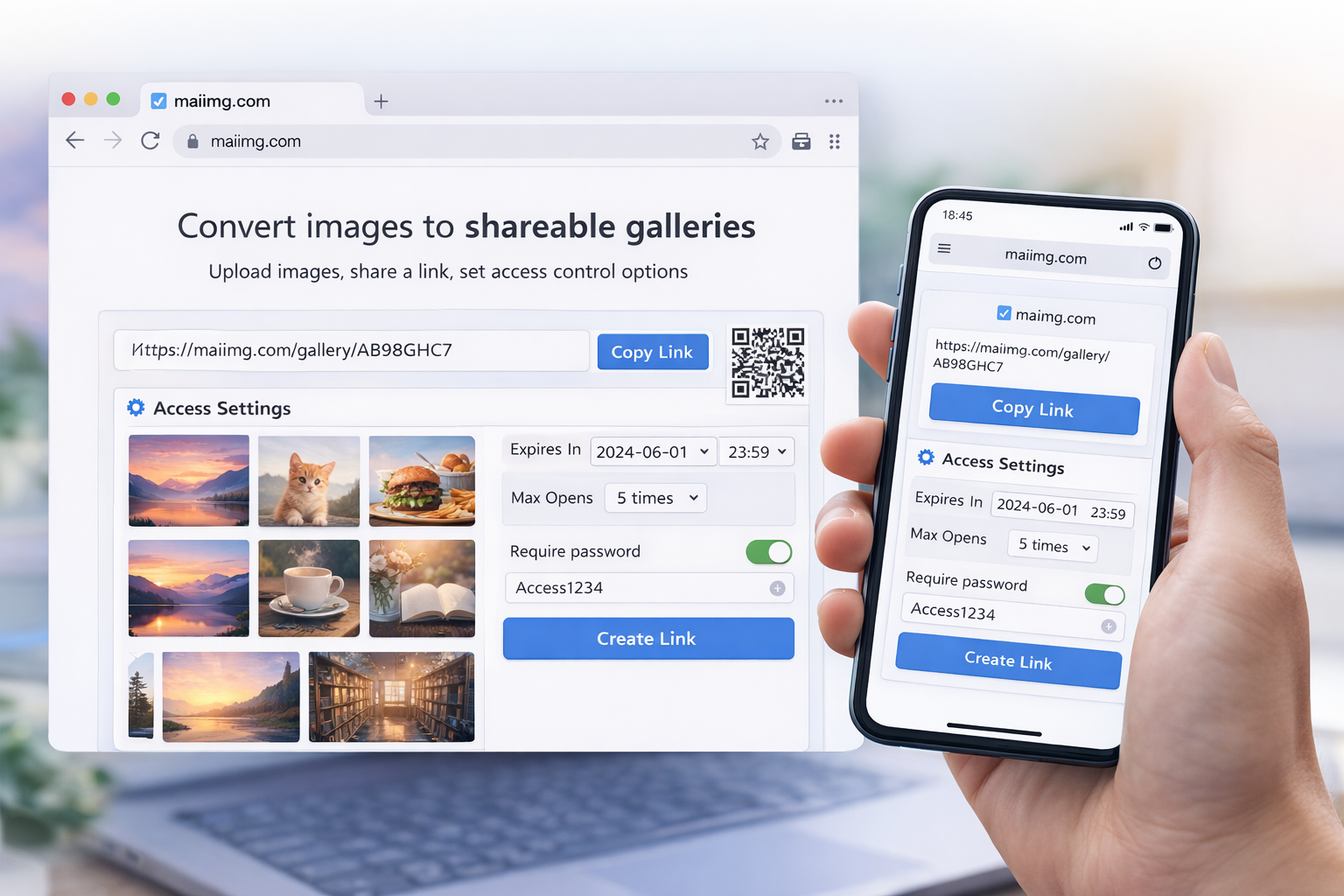
One link + one QR per share, view limits, expiry windows, a clean revoke. No app install for viewers.

The runbook, step by step

1. Pre-event: plan the moments

Write down 3–5 moments you know you'll want to share afterwards. Each one will become its own link.

2. During: take more, post less

Don't spam the group chat with phone shots. Collect the photos in one place; sort at the end of the night, not during.

3. Next morning: make the shares

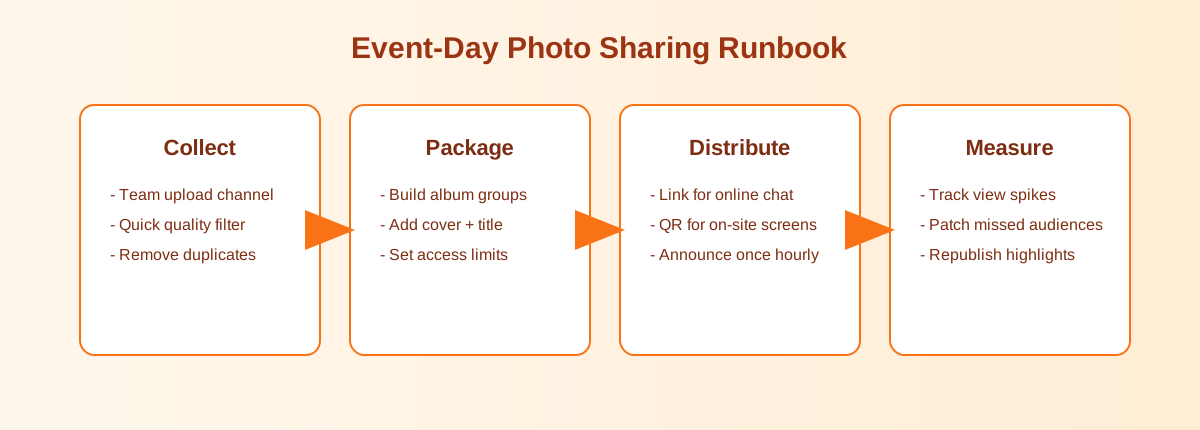
One share per moment, up to 25 photos each, ordered from cover → highlight → details. Generate link + QR.

4. Distribute: chat + table

Send the direct links in the group chat. For in-venue follow-ups or next events, print the QR on a small card.

5. Mid-week: check the opens

Look at the view counts. If nobody opened a link, consider re-sending; if people keep opening after a week, consider tightening expiry.

6. End-of-week: close it out

Switch the shares off. The right people have seen the photos; the forwards stop working; your inbox goes quiet.

What this looks like at the event

On the table

One small QR card beats reading a URL out loud

At an event, nobody is going to type `maiimg.com/s/a7f3k2`. A small printed QR card on each table turns “where are the photos?” into a one-second scan. Phone camera, one tap, the photos are already open.

Guest scanning an event photo QR code with a phone camera
Printed QR poster for event photo sharing
At the entrance

Set expectations once, at the door

A single poster near the entrance (“Photos will be shared here”) does a lot of the work. People relax about their own shots and stop spamming the group with bad phone pictures.

The flow

Upload once, one link, one QR, one off switch

Every moment share follows the same shape. You don't reinvent the workflow per event — only the content changes. That's the whole point of a runbook: repeatable, low-stress, good enough every time.

Event photo sharing runbook flow: plan, capture, upload, distribute, close
Shared event photo set opened on a phone
On the phone

No app, no login, no clutter

The whole reason this works is the viewer experience is boring. The link opens. Photos appear. No sign-up flyway, no forced download, no ten-step onboarding. Boring is a feature here.

The short on-the-day checklist

FAQ

No. A direct link opens in any browser, and the QR code opens the same page. There's no app, no sign-up, and no login wall for viewing.

Up to 25 files. For a larger event, split by moment. Three shares of 20 photos each usually tells a better story than one dump of 60.

Yes. Each share has simple access records: total opens, unique IPs, different browsers, first access time. Enough to know whether people saw the photos, without tracking anyone in detail.

The direct link and the QR both stop working — they share the same back end. Anyone who kept the link or saved the QR sees the same “no longer available” state.

Related reads

Run your next event without chat spam

One share per moment, one QR on the tables, view limits from the start, and a clean close at the end of the week.

Try MaiIMG