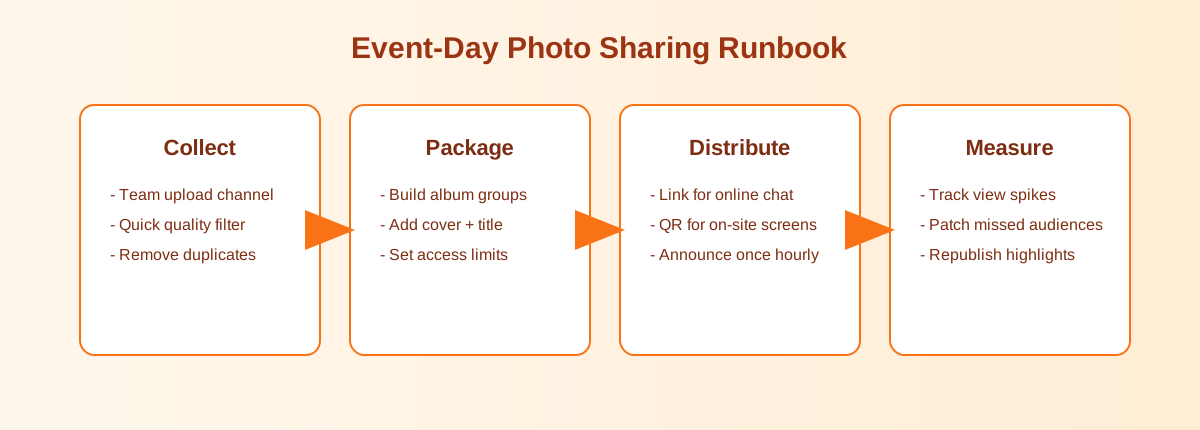
Fewer repeated "can you send it again?" messages
When photos are scattered across a chat, parents miss them. One link is easier to pin, resend, and explain. If someone asks later, staff can point to the same share.
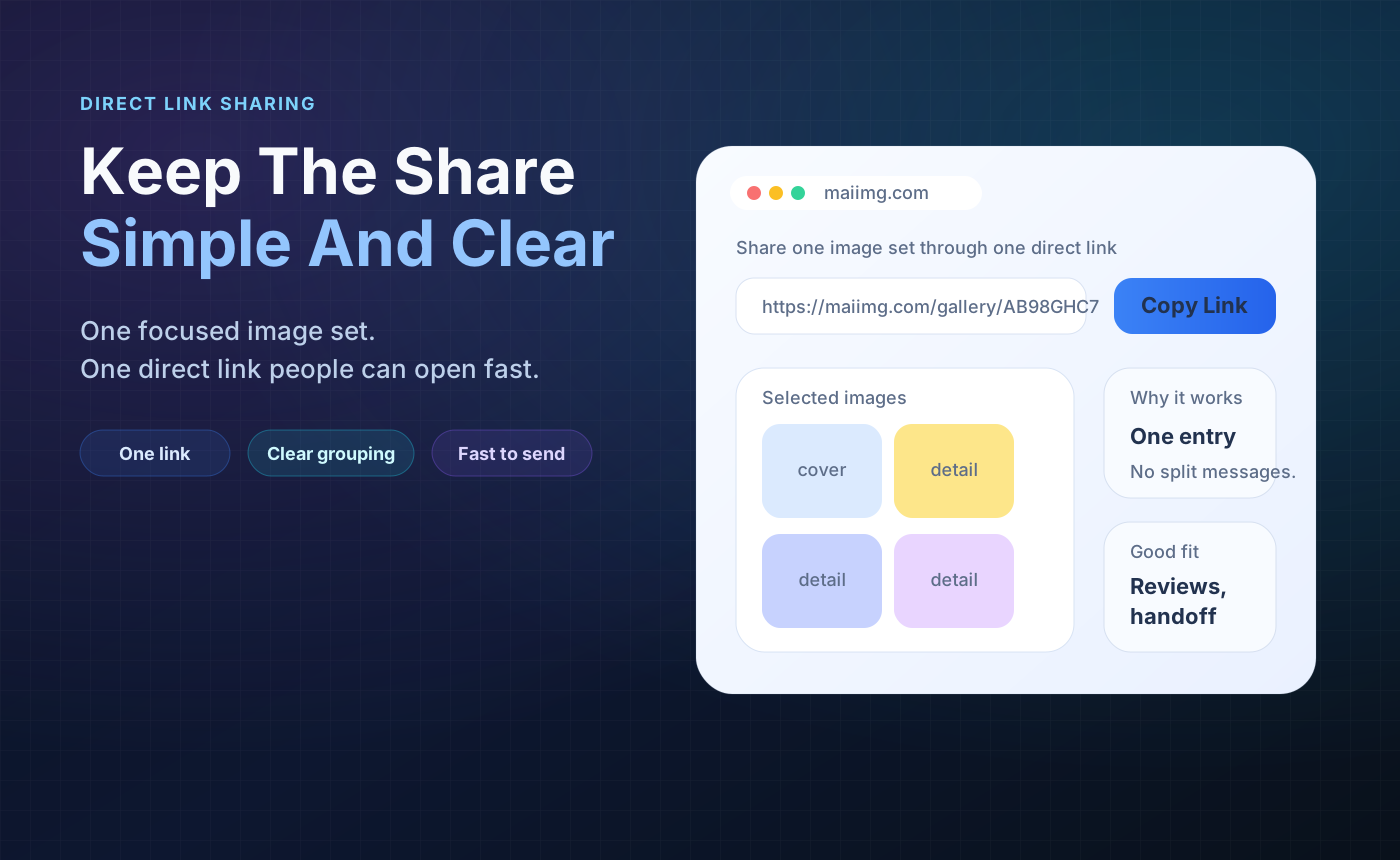
Parents want an easy way to open the photos. Staff want fewer resend requests. One focused link, a matching QR code, and a clear expiry window keep the handoff calmer.
Keep the album small and clear: concert highlights, field trip moments, or class activity photos.
Paste the link in parent channels and put the QR code on a notice sheet when needed.
Set expiry before sending, check opens if needed, and close the share after the parent window ends.
Pick the photos parents are most likely to want. Keep the set focused and under 25 files.
Send the direct link in the parent channel. Use the QR code on notice sheets, slides, or classroom boards.
Use an expiry window for the school timeline, then revoke the share when the delivery period is over.
When photos are scattered across a chat, parents miss them. One link is easier to pin, resend, and explain. If someone asks later, staff can point to the same share.
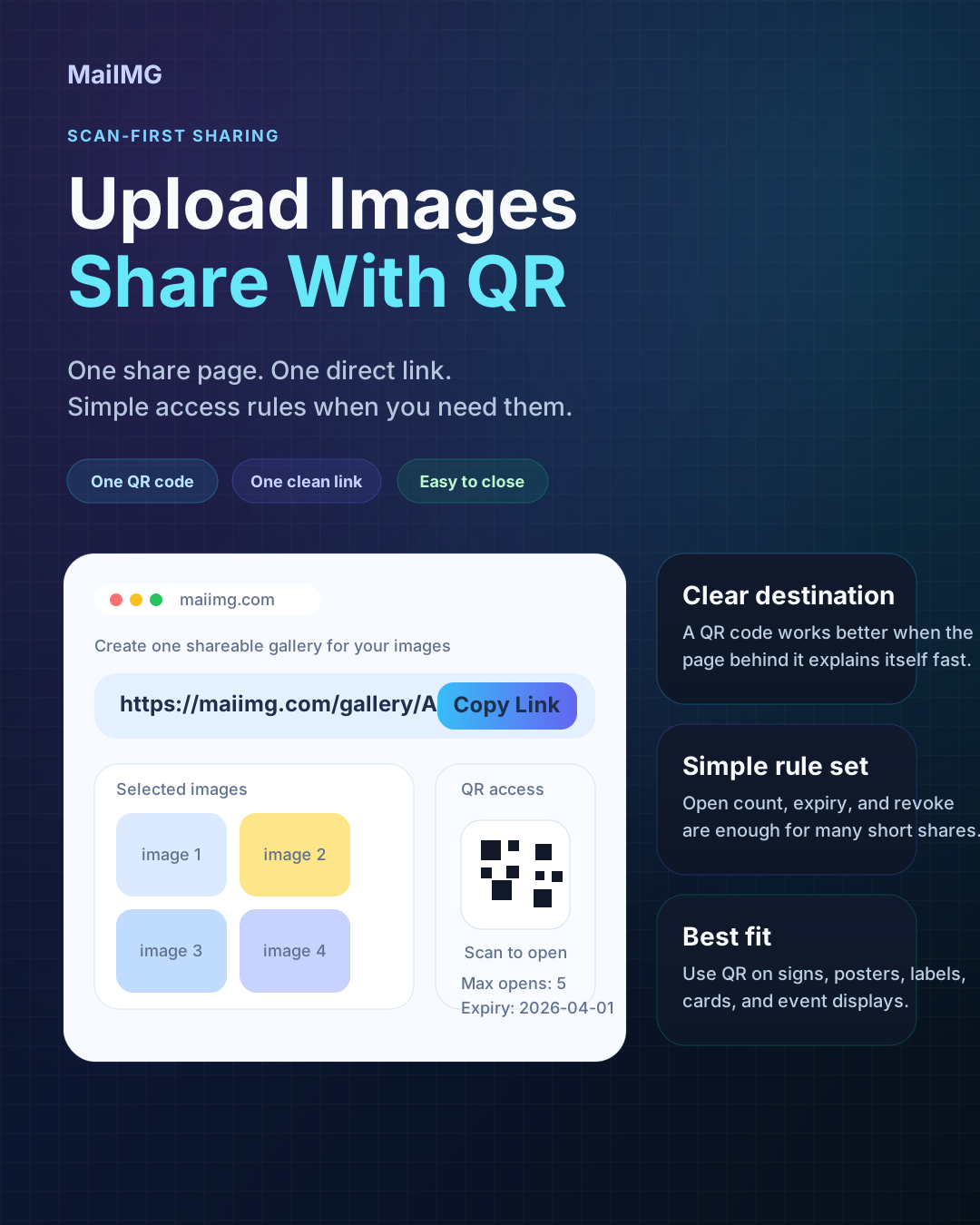
At concerts, exhibitions, sports days, or open classrooms, a QR code is easier than asking parents to type a link. They scan once and open the same event set.
A parent photo link is usually useful for days, not forever. Set the expiry around the school timeline, and close the share when the photos have been collected or viewed.
Create one event share, send the link to parents, use the QR code on notices, and close access when the school window is over.
Try MaiIMG