Access records

Access Logs

For Shared Links

Sometimes you do not need a heavy analytics dashboard. You just want to know whether a shared photo link was opened, then close the link when the job is done. This guide keeps that idea simple and non-creepy.

Open records View limits Expiry + revoke
01

Confirm the link worked

Access records help answer the basic question: did anyone open the link after you sent it?

02

Pair records with limits

A record is most useful when the link also has a view limit, expiry window, and a way to shut it off.

03

Keep the tone normal

This is not surveillance. It is a practical delivery check for photos you chose to share.

What access logs are actually for

Access logs are not a magic identity system. They are a simple record around a shared link: the kind of information that helps you tell whether the link was used, whether a delivery probably reached someone, and when it is time to close the share.

Useful question

"Did the link get opened?" is enough for many small photo sharing situations.

Useful pairing

Logs become more helpful when the same share also has open limits and an expiry date.

Useful ending

After the delivery is done, revoke the link so old forwards stop working too.

When access records help most

Small delivery checks

You sent the photos. Did anyone open them?

For a client preview, family batch, school event, or small seller photo set, the most useful feedback is often binary: someone opened the link, or nobody has yet. That tells you whether to follow up, resend, or wait.
Simple access records and controls for a shared photo link
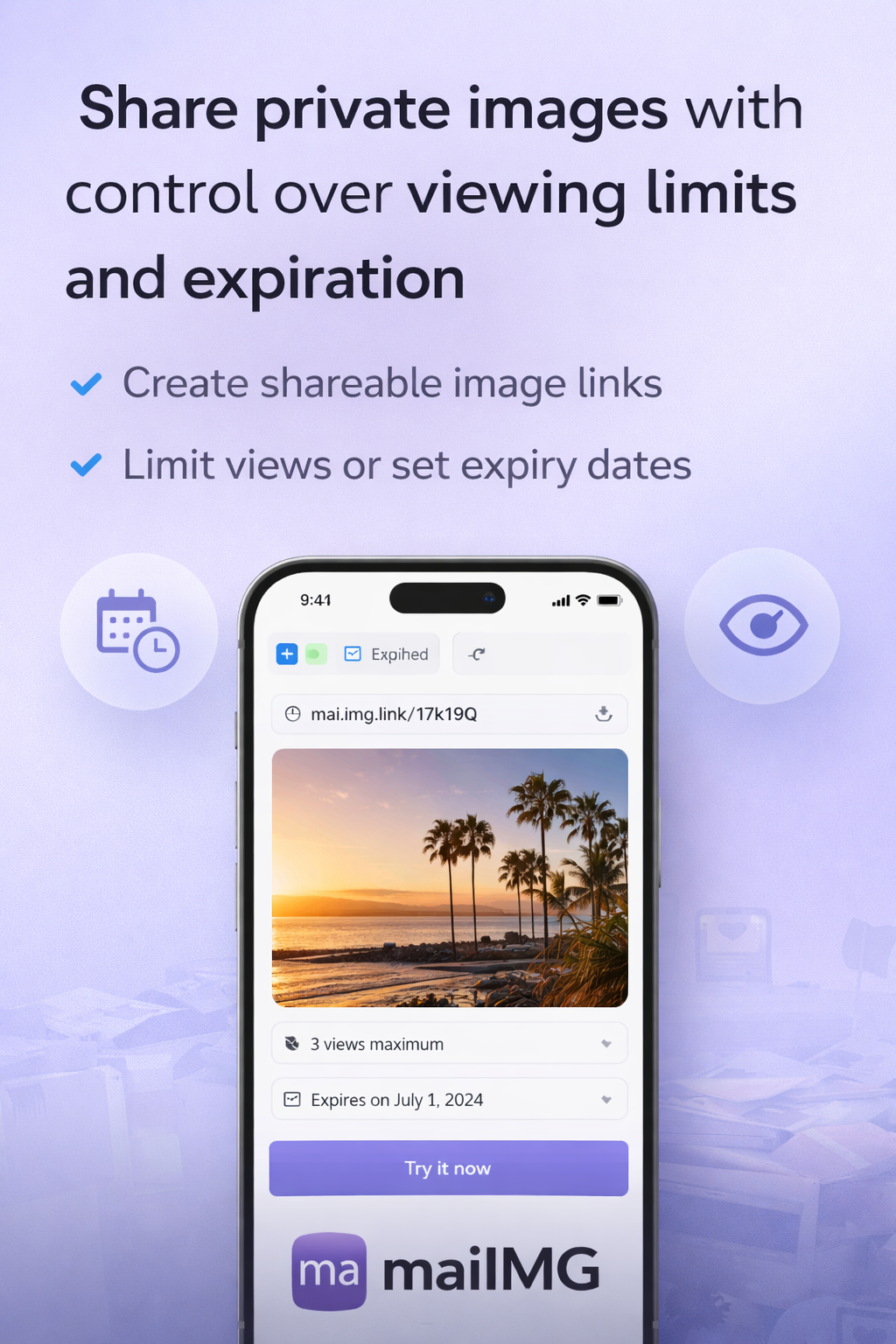
View limit and expiry settings before sending a photo link
Controls first

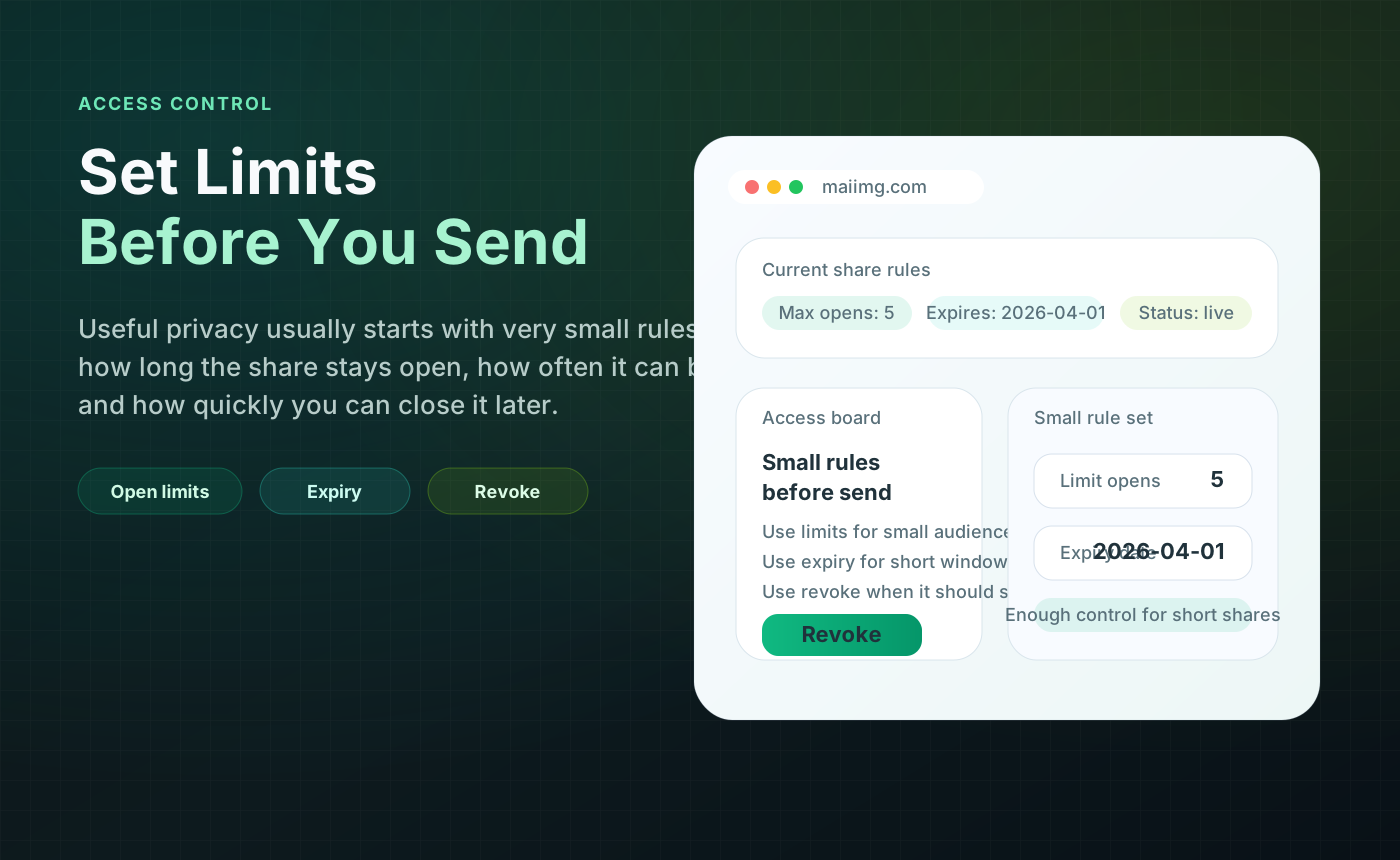
Set the rules before the link leaves your hands

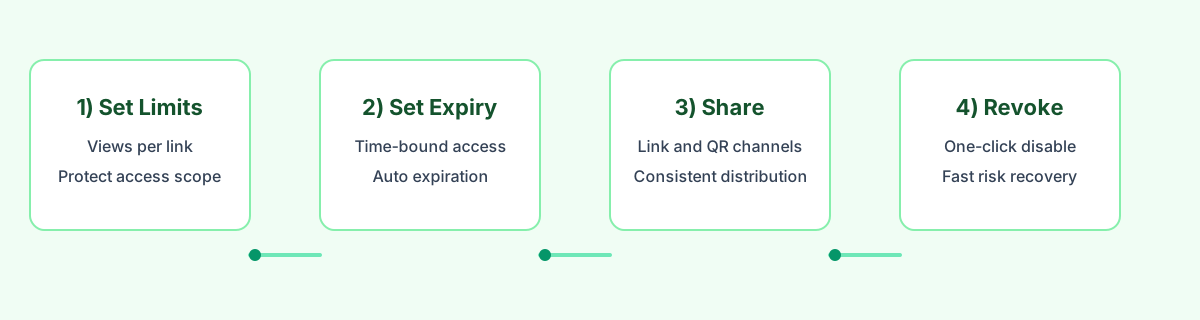
Access records should not be the only control. Before you send the link, choose how many times it can be opened and how long it should stay valid. Then the record tells a useful story inside a bounded window.

Link and QR together

One share can be opened from a chat or a printed QR code

The same MaiIMG share gives you a direct URL and a QR code. That matters for logs because you are checking one share, not guessing across different copies of the same photo set.

Person scanning a QR code to open a shared photo link
Shared photo link flow with access records, limits, expiry, and revoke
Clean ending

Checking the log should lead to a decision

If the recipient opened the link and the job is done, close it. If nobody opened it, resend or pick another channel. The point is not to stare at numbers. The point is to make the next step obvious.

A simple workflow

What not to promise

Do not treat access logs as a full identity, security, or analytics product. MaiIMG is a simple sharing tool. Its value is that a small photo set can have a link, a QR code, a limit, an expiry, access records, and a stop button in one workflow.

Do not say

Enterprise analytics, user profiling, guaranteed identity, compliance audit trail, or end-to-end encryption.

Do say

Simple access records for a shared link, paired with view limits, expiry, and revoke controls.

Best fit

Photo delivery, small events, personal sharing, client previews, and quick follow-up checks.

FAQ

You can use MaiIMG access records to check activity around a shared link. Treat it as a practical delivery signal, not as a guaranteed identity system.

The direct link and QR code come from the same share. That keeps the workflow simple: one photo set, one link, one QR code, and one set of controls around that share.

Yes. Set a view limit before sending the share. You can also set an expiry window so the link stops working after a chosen time.

If the share has done its job, revoke or disable it. A closeable link is the main advantage over sending a permanent public URL.

Related reads

Share photos with a link you can check and close

Upload a focused set, get one link and one QR code, set the limits, check access records, and revoke the share when it has done its job.

Try MaiIMG