Comparison

ImgBB Alternative

With Real Control

ImgBB gives you a public link and calls it done. That's fine for a forum avatar. It's not fine for client proofs, private family photos, or anything you may want to take back later. The difference is not size — it's control.

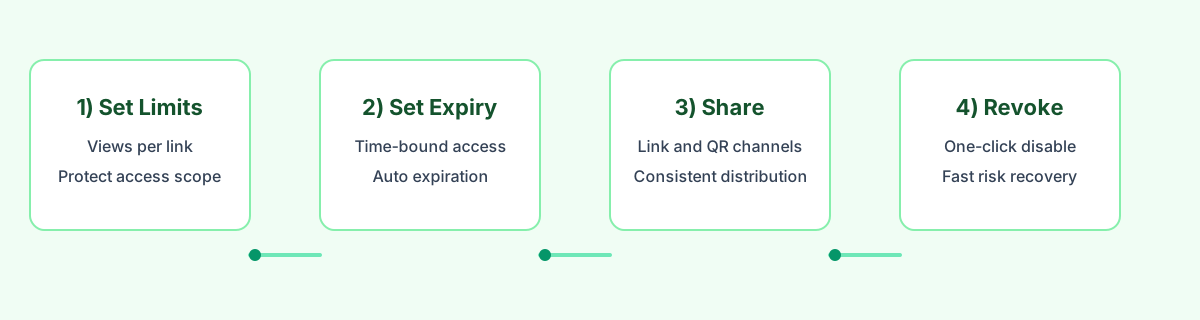
View limit Link expiry One-click revoke
01

A view limit, not an open door

Decide how many times the link can be opened before it quietly stops working. Good for proofs, previews, and drafts.

02

An expiry date that actually expires

Set a date or a duration. After that, the link is gone — the photos don't keep floating around the internet.

03

A kill switch when plans change

One click turns the link off. If someone forwarded it, that forward is dead too. Nothing needs to be deleted file by file.

When ImgBB is fine — and when it isn't

Pure image hosting tools (ImgBB, Imgur, Postimage) are great at one thing: giving you a public URL as fast as possible. That's perfect for a forum post or a Reddit comment. It stops being perfect the moment the image is private, or the moment you'd want to take the link back.

Stick with ImgBB when

You're posting a screenshot in a public forum, a meme in a chatroom, or anything you don't mind staying online forever.

Switch to MaiIMG when

The photos are yours, a client's, or your family's — and you want to decide when the link stops working.

Real controls here

Direct link + QR code from one share, view limits, expiry windows, one-click revoke, and simple access records.

Side-by-side, without the marketing

Who can open it

ImgBB: anyone with the URL, forever.
MaiIMG: anyone with the URL, until the view limit or expiry kicks in, or until you turn it off.

Sharing format

ImgBB: a URL you copy.
MaiIMG: a URL plus a QR code from the same share — so the same link works in chat, email, and on a printed card.

Set of photos

ImgBB: one URL per image.
MaiIMG: one URL for up to 25 images in one clean share.

Take it back

ImgBB: delete the image — any copy out there may still linger.
MaiIMG: one click on the share, all access paths (link + QR) stop working at once.

What “controlled sharing” actually looks like

Not public, not complicated

You decide who opens it and for how long

A link that expires isn't a “secure” link in the cryptography sense. It's a link you can close. That small difference covers most of the real-world cases people worry about — proof shots, previews, family photos, a short client review.
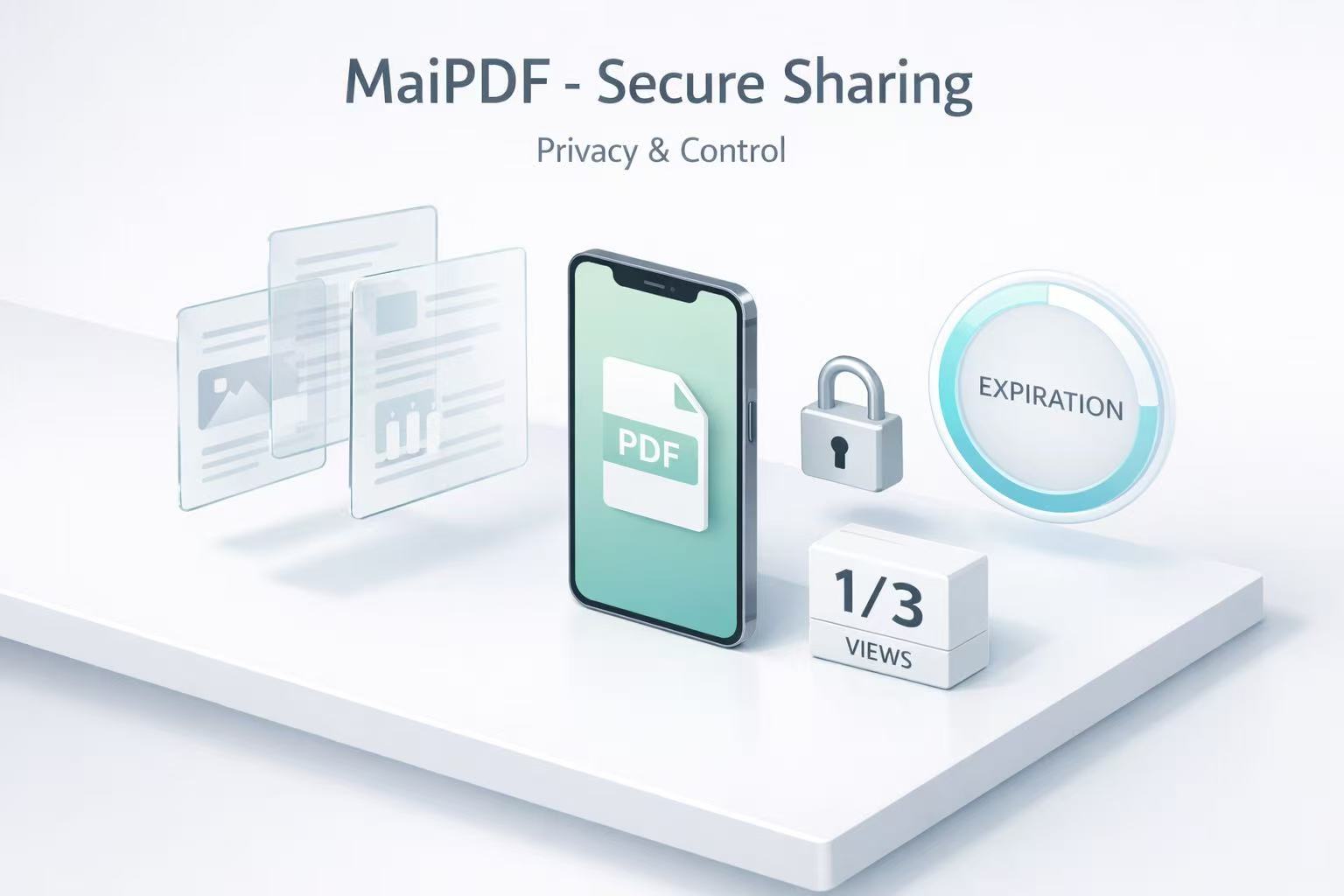
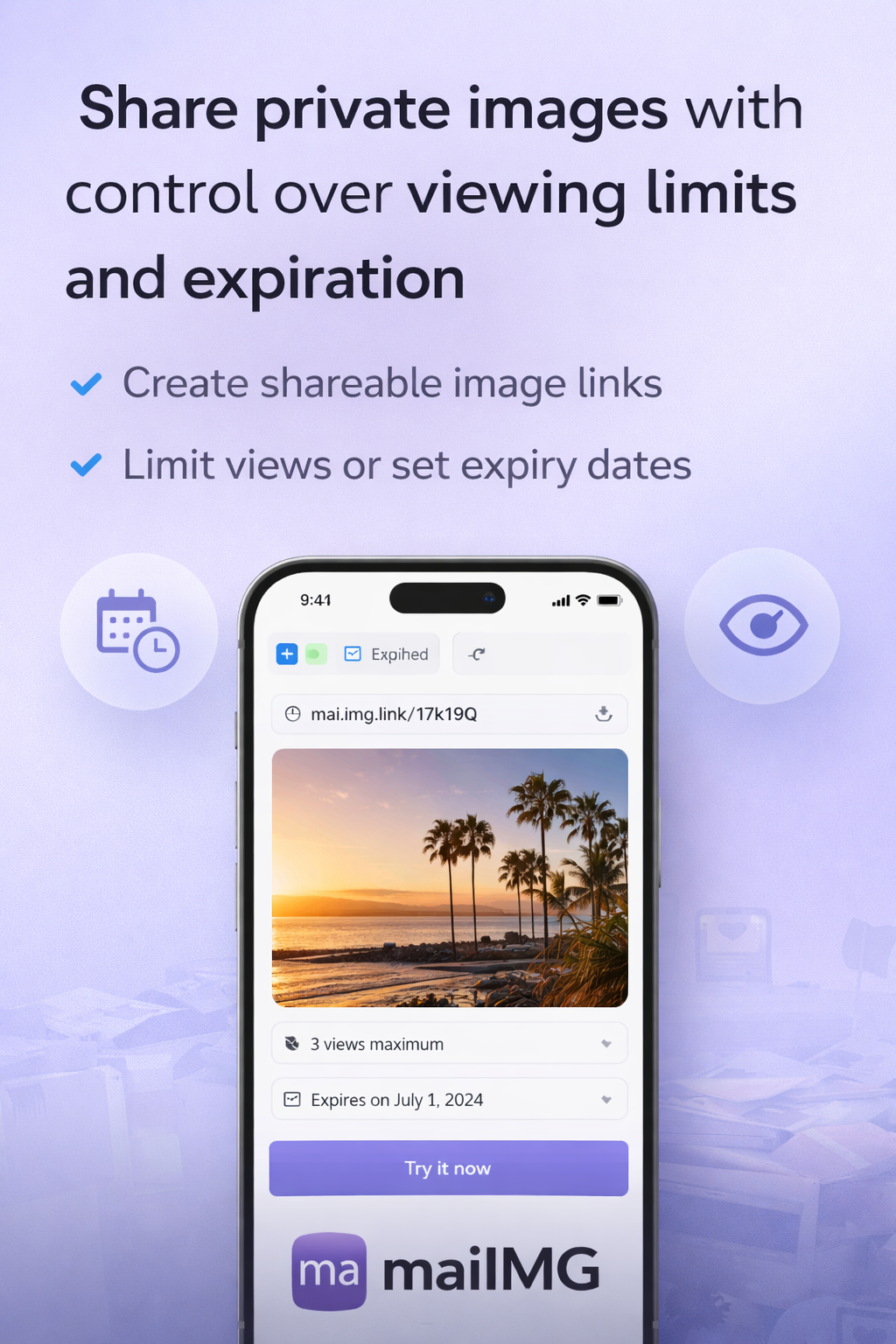
Controlled image sharing on a phone with a short-lived link
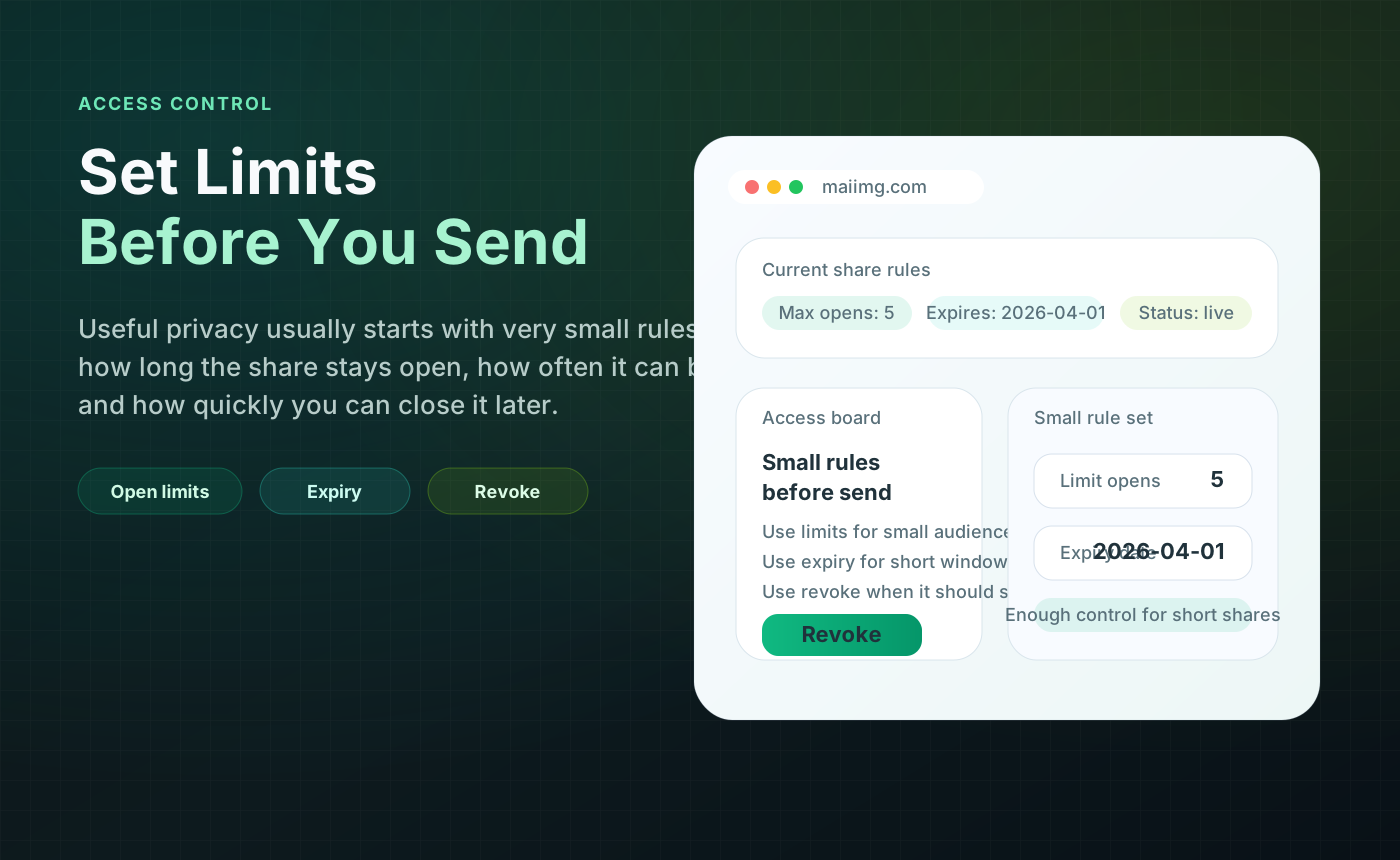
Access control panel for image sharing: view limit, expiry, revoke
One panel, three decisions

How many times · until when · off now?

That's the whole model. How many times can this be opened? Until when is it allowed to work? And — when plans change — can it be switched off right now? ImgBB can't answer any of those three.

How it flows

Access, not deletion, is the real control

With a pure image host, the only tool is “delete.” With a controlled share, the tool is “access.” The link goes out, the limits are already set, and closing the share closes every path at once — including whatever got forwarded.

Image sharing security control flow: upload, share, limits, expiry, revoke
View limit and expiry settings for an image share
The two settings that matter

A view limit and an expiry will cover 90% of cases

You don't need a password, an SSO, or a server in a bunker. A share that can be opened N times, until date X, with a switch you can flip, is enough for almost every small-scale case where “ImgBB-style” just isn't right.

When to pick which, at a glance

FAQ

Not exactly. ImgBB is optimised for “one image, one public URL, forever.” MaiIMG is optimised for “a small set of images, one share, with limits you set.” If you need a long-lived public URL for a forum, ImgBB is fine. If you want a link you can close later, MaiIMG fits better.

Up to 25 files per share. Larger libraries should be split into logical groups (events, moments, categories), which tends to make them easier to open too.

The link simply stops working — both the direct URL and the QR code (they share the same back end). People with old forwards see the same “no longer available” state.

A revoke is intentionally final for the specific URL. If you want to share again, create a new share. That way old forwards never come back to life by accident.

Related reads

A link you can close, not just a link you shared

Upload a small set, get a link and a QR code from the same share, set a view limit and an expiry, and keep a switch ready for when the job is done.

Try MaiIMG