Focused sets
Use one link for one small album
A Facebook post can get noisy when it tries to carry every photo. A focused link lets the post stay short while the album opens separately in the browser.
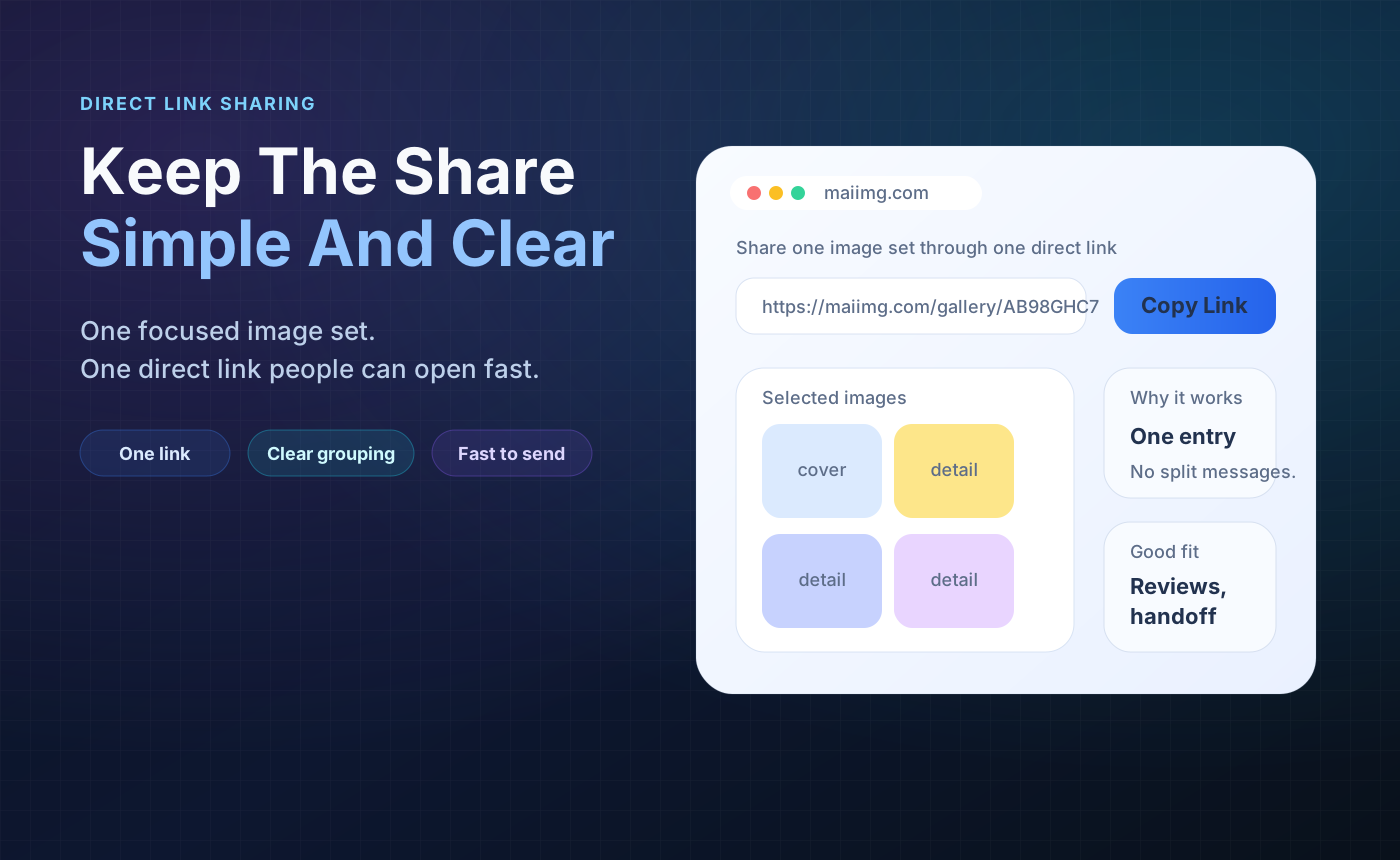
Sometimes a Facebook post or group only needs one clean photo link, not a pile of uploads. Put the set behind one browser link, add a short label, and close the share when the moment has passed.
For temporary or focused photo sets, a link can be cleaner than uploading every image to Facebook.
Tell people what they will open before they tap: event highlights, product photos, group album, or trip set.
Set expiry or revoke access when the album is no longer current.
Choose a focused batch: event highlights, group photos, product shots, or a quick album you do not want to post one by one.
Generate one MaiIMG share link. If people will also see it offline, use the matching QR code from the same share.
Post the link with one sentence that explains the contents and, if relevant, how long the link will stay open.
A Facebook post can get noisy when it tries to carry every photo. A focused link lets the post stay short while the album opens separately in the browser.
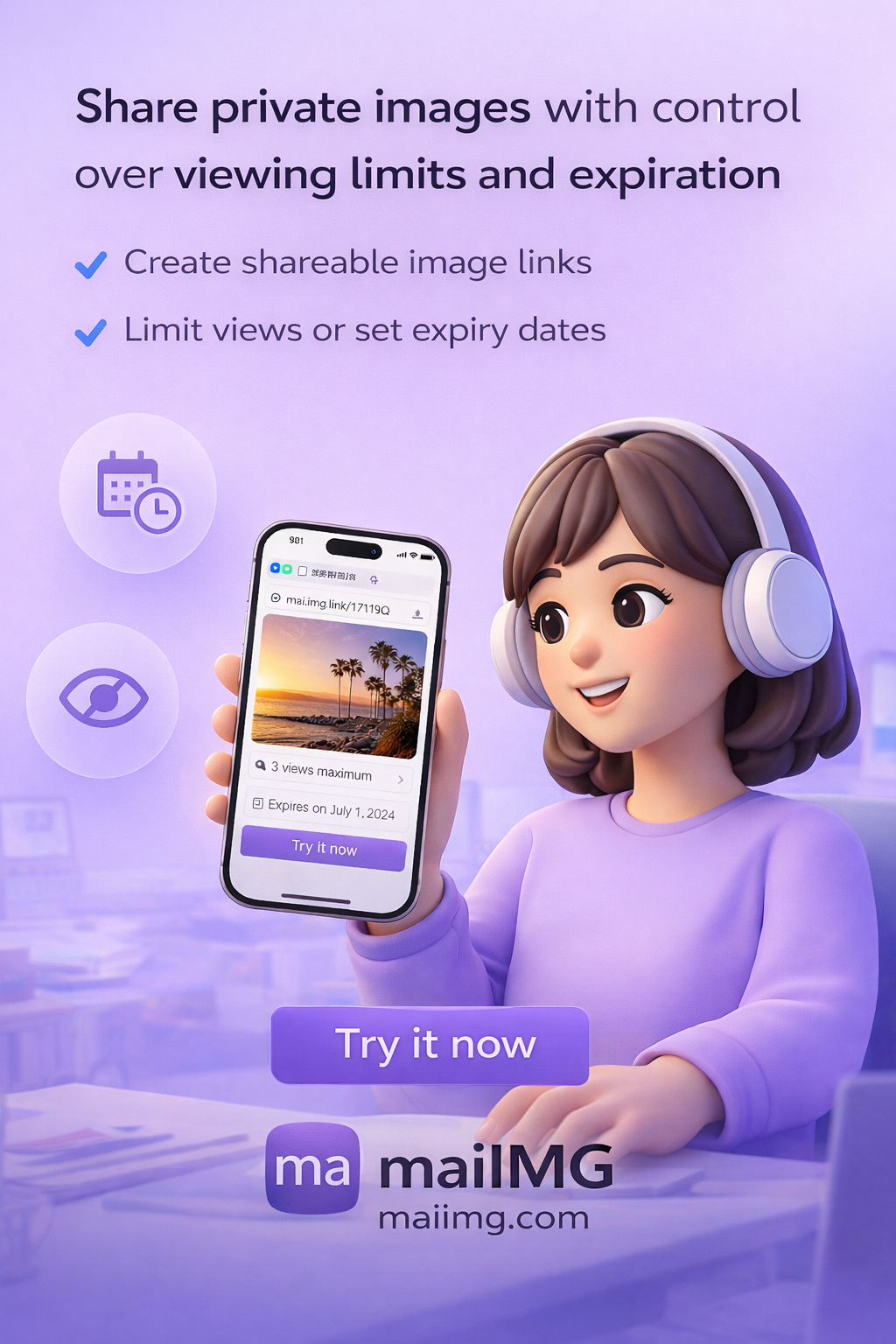
Write the link like a normal helpful note: "Saturday event photos" or "New product angles." Avoid vague captions that make people guess whether they should open it.
If the photos are for a short event, group update, or temporary sale, set an expiry. When the context is gone, close the link so old posts do not keep pointing to outdated sets.
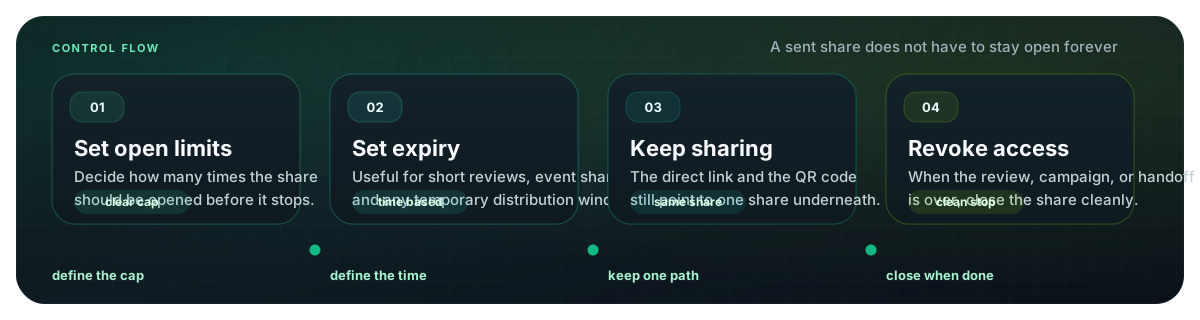
Upload a focused set, paste one labeled link into the right Facebook place, and close access when the share is no longer current.
Try MaiIMG