Details
Put decision-making photos in one place
A buyer usually asks for details because the listing did not answer something. A focused link keeps those extra photos together instead of scattering them across chat messages.
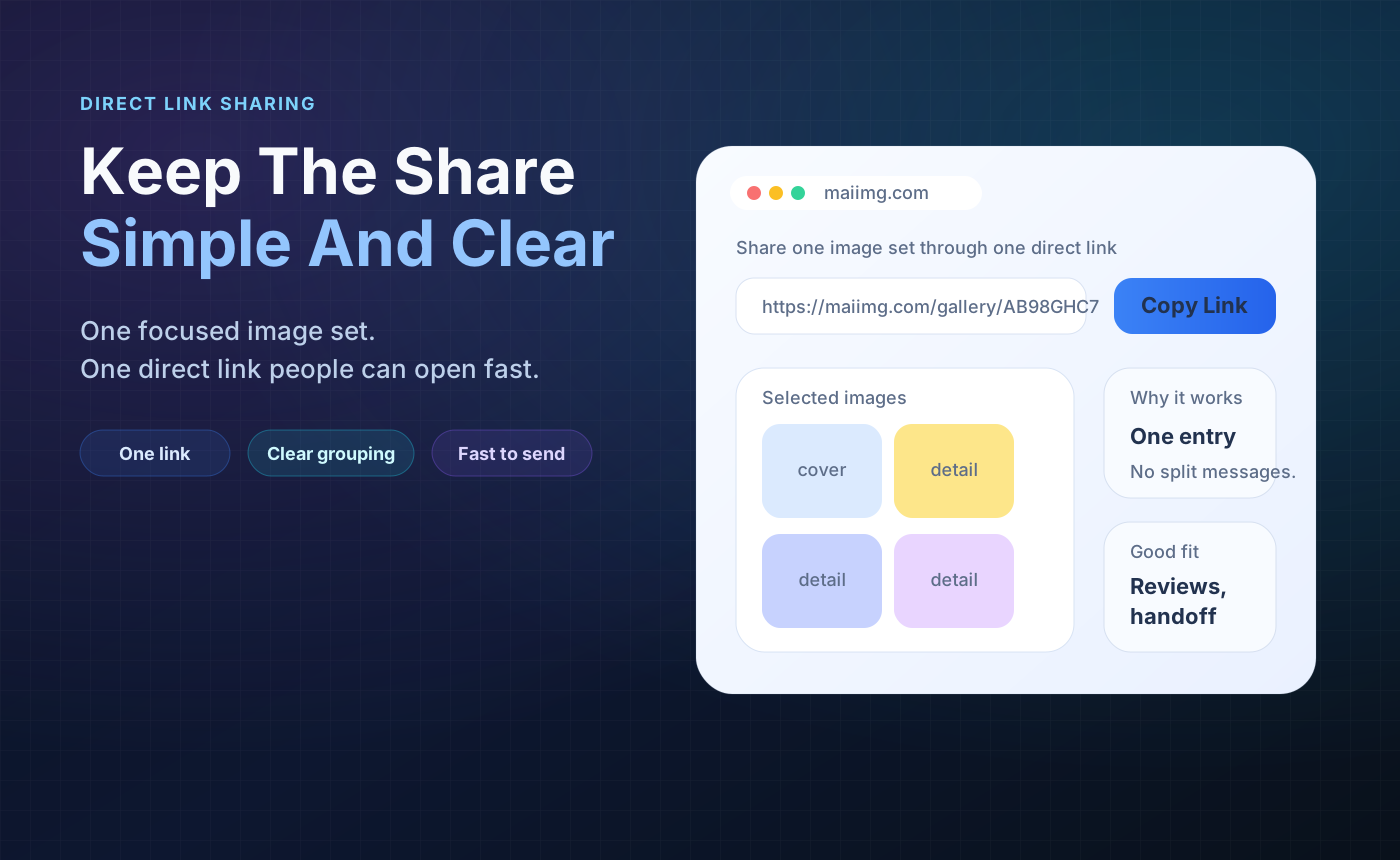
For a small seller, a product photo link should answer one question quickly: "Can you see the exact item clearly?" Put the useful angles in one share, send one link, and close it when the conversation is over.
One item, one colorway, one listing, or one buyer question per share.
Front, back, close-up, size context, condition details, and any flaw the buyer should see.
Set expiry or revoke the link when the item sells or the question is answered.
Do not mix multiple products in one link unless the buyer asked to compare them.
Use images that help the decision: cover, details, scale, condition, packaging, or variant options.
Paste the link in chat, email, or a listing message. Use expiry or revoke after the sale or review window.
A buyer usually asks for details because the listing did not answer something. A focused link keeps those extra photos together instead of scattering them across chat messages.

Write a simple label like "Close-up photos of the blue bag" or "Condition details for the camera." The buyer opens one link and sees the whole set.
Once an item sells or the buyer has moved on, close the link. Temporary product photos should not keep circulating after they are no longer useful.

Upload the useful angles, send one focused link to the customer, and close access when the conversation or sale is over.
Try MaiIMG