Photographer portfolio

Photographer Portfolio

Sharing Guide

A portfolio link should feel selected, not dumped. Choose a small set, order it like a story, send one clean link, and keep a way to close old versions when your work changes.

Curated set One portfolio link QR for cards
01

Lead with your strongest frame

The first image tells clients and collaborators what kind of work they are about to see.

02

Keep one purpose per link

A wedding sample, product set, portrait set, or travel story should not all live in one share.

03

Refresh without old links drifting

Set expiry or revoke old portfolio shares when your style, pricing, or selection changes.

The simple portfolio flow

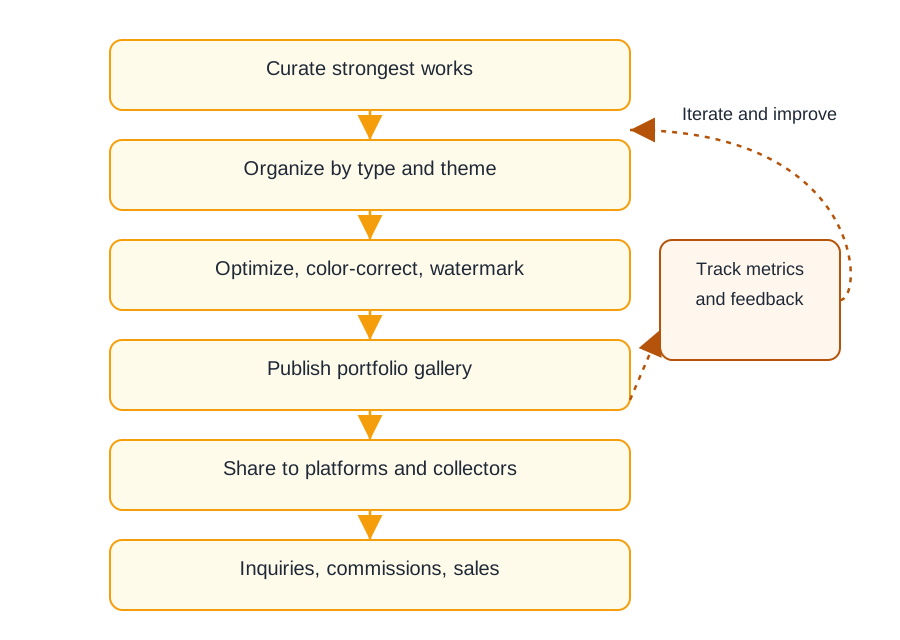
1. Select one body of work

Use up to 25 images that belong together. If the work has different audiences, create separate links.

2. Create one clean entry

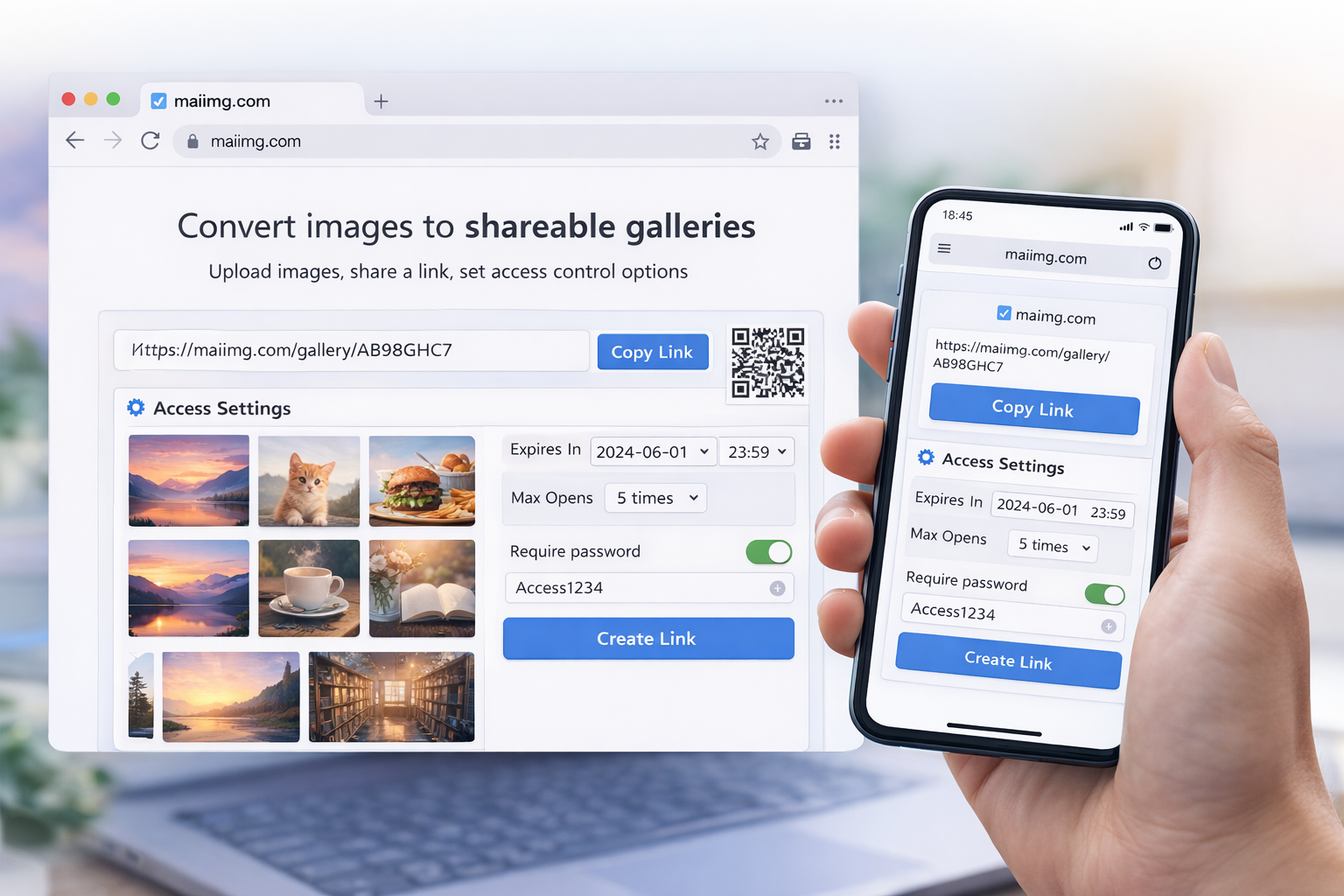
Generate a direct link and optional QR code from the same share. Use the link in email, chat, or a profile bio.

3. Close outdated sets

When the portfolio changes, revoke old shares or set expiry so outdated selections do not keep circulating.

What makes a portfolio link feel intentional

First impression

The first image should explain the set

Whether it is portraits, products, events, interiors, or travel work, choose the first image carefully. It sets the mood and reduces confusion for the person opening the link.
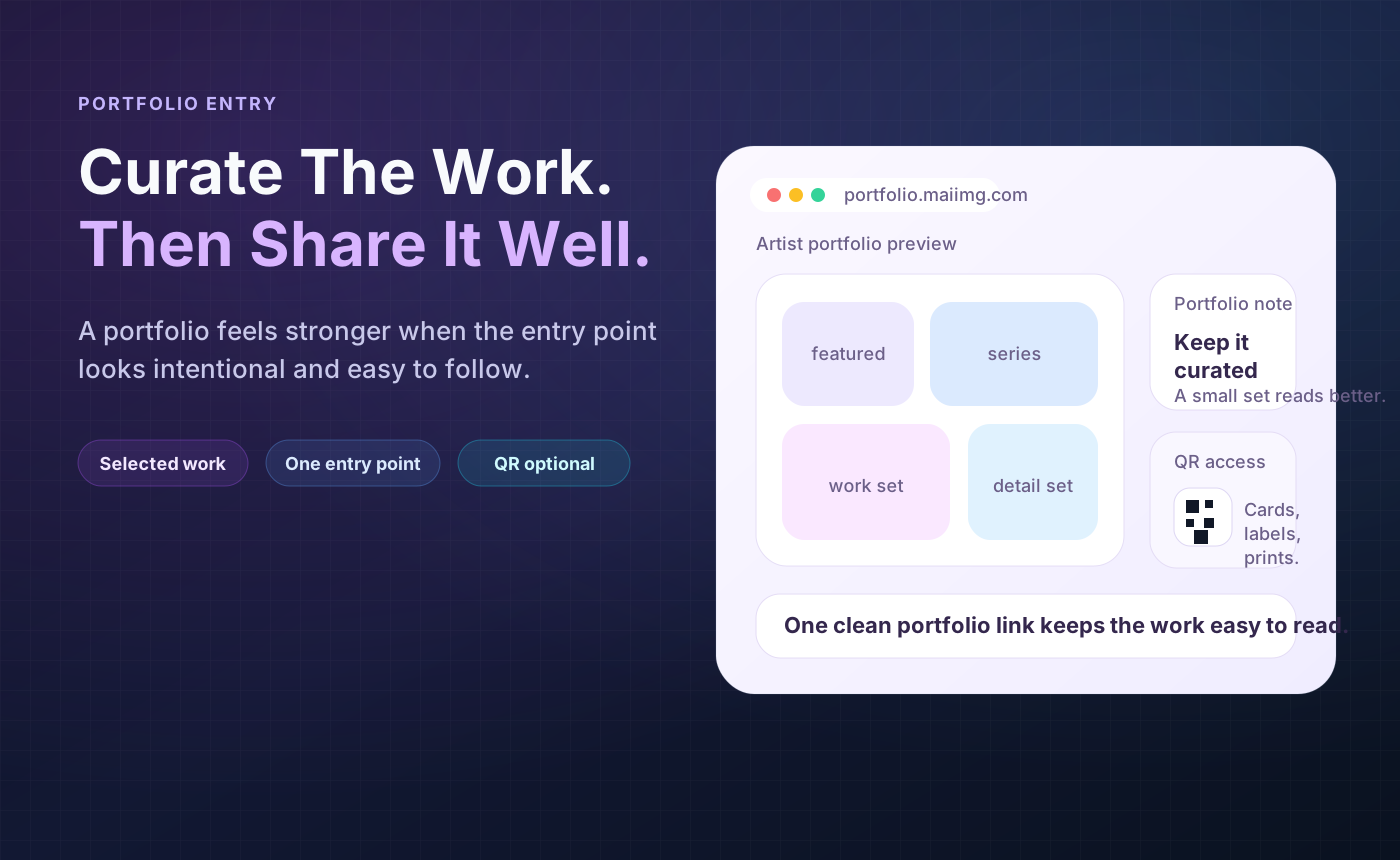
Photography portfolio preview shown as one clean share link
Photography portfolio gallery opened from one link
One destination

Send one path, not a pile of attachments

A portfolio link is easier to resend, update, and close than multiple attachments scattered across messages. It also gives the viewer a calmer path through the work.

Offline handoff

Use QR codes on cards, prints, or event tables

If you meet people in person, a QR code can open the same portfolio link without typing. The QR and direct URL stay tied to the same share and the same access settings.

Portfolio sharing flow with selected work, link, QR, and access controls

Photographer checklist

FAQ

MaiIMG supports up to 25 files per share. For portfolios, fewer is often better: choose enough images to show the story without turning it into an archive.

Yes. The same one-link pattern works for designers, illustrators, makers, and visual artists. Keep the set focused and label it clearly.

Yes. Use the QR code on a business card, postcard, display label, or event handout when scanning is easier than typing a link.

Yes. Set an expiry or revoke the share when the portfolio version is outdated.

Related reads

Share one focused portfolio link

Upload a selected set, send one clean link, use a QR code when it helps, and close outdated portfolio shares later.

Try MaiIMG