2026 shortlist

Best Free

Image Hosting

A short, honest shortlist. Not every tool is best for every case — a public forum image and a private family photo really shouldn't end up on the same service. This page helps you match the job to the right tool.

Honest comparison No fake rankings Picked by use case
01

Speed to share

How fast can you go from “I have a photo” to “I sent a link”? For a one-off, that's the whole job.

02

Control after sharing

Can you close the link later? Can you set a view limit or an expiry? Or is it just a public URL forever?

03

QR code from the same share

Useful when the audience is in a physical place — a table, a sign, a print card — not just a chat box.

What “best” means on this page

Most “best free image hosting” lists are just SEO filler: twenty services, no real opinion, and the first one is usually whichever paid for placement. This page takes a different angle — it asks what kind of share you actually have in mind, and tells you which tool fits.

Public post

A forum avatar, a meme, a Reddit embed. Speed and a permanent public URL matter — ImgBB, Imgur, Postimage all fit.

Small private share

Photos for family, friends, a small client — you want a closeable link with a view limit and expiry. MaiIMG is the pick.

Long-term storage

Not hosting at all — use Google Photos, iCloud, OneDrive, and share from there when needed.

The 2026 shortlist (by job, not by rank)

ImgBB — public URL, fast

Drop a file, get a URL you can paste anywhere. Image stays public forever, which is exactly what you want for forum posts, and exactly what you don't want for a private photo.

Imgur — community + URL

Same “public URL” idea, with a built-in community. Good if you want comments and reposts. Less good if you want to take anything back.

Postimage — plain and permanent

Bare-bones uploader, stable URLs, works in forums and old-school bulletin boards. No access controls on the free tier.

MaiIMG — controlled small shares

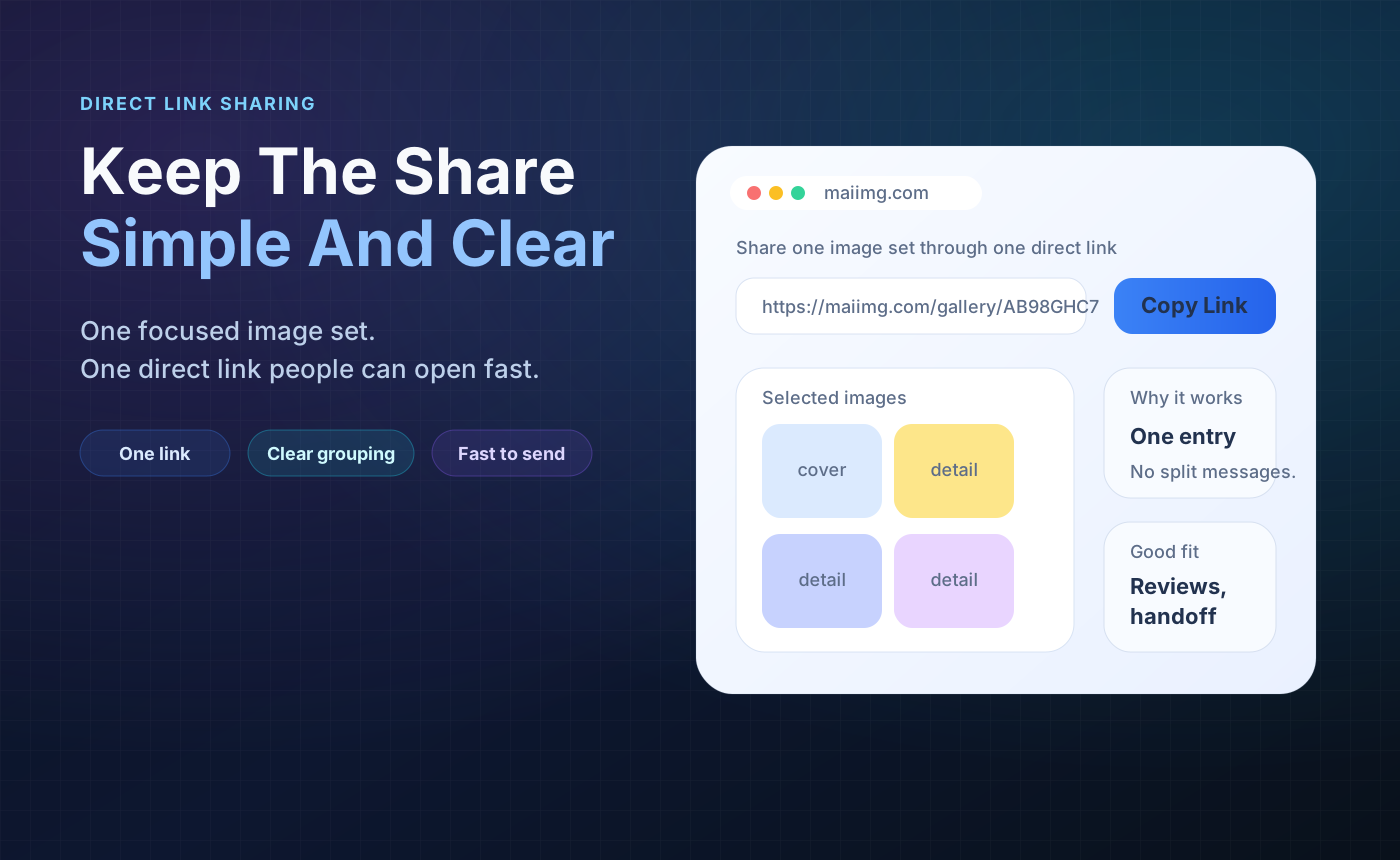
One link for up to 25 photos, a matching QR code, a view limit, an expiry, and a one-click revoke. For shares that shouldn't be public forever.

Google Photos (for storage)

Not really “hosting” — it's a phone library with sharing links on top. Great for the long tail of photos; a bit heavy for a one-off public image.

Skip the “all-in-one” tools

Tools that claim to be hosting, DAM, CDN, and storage at once are usually bloated for both sides of this list. Pick the tool that fits the job.

The comparison in pictures

Step 1

Upload should be one drag and one drop

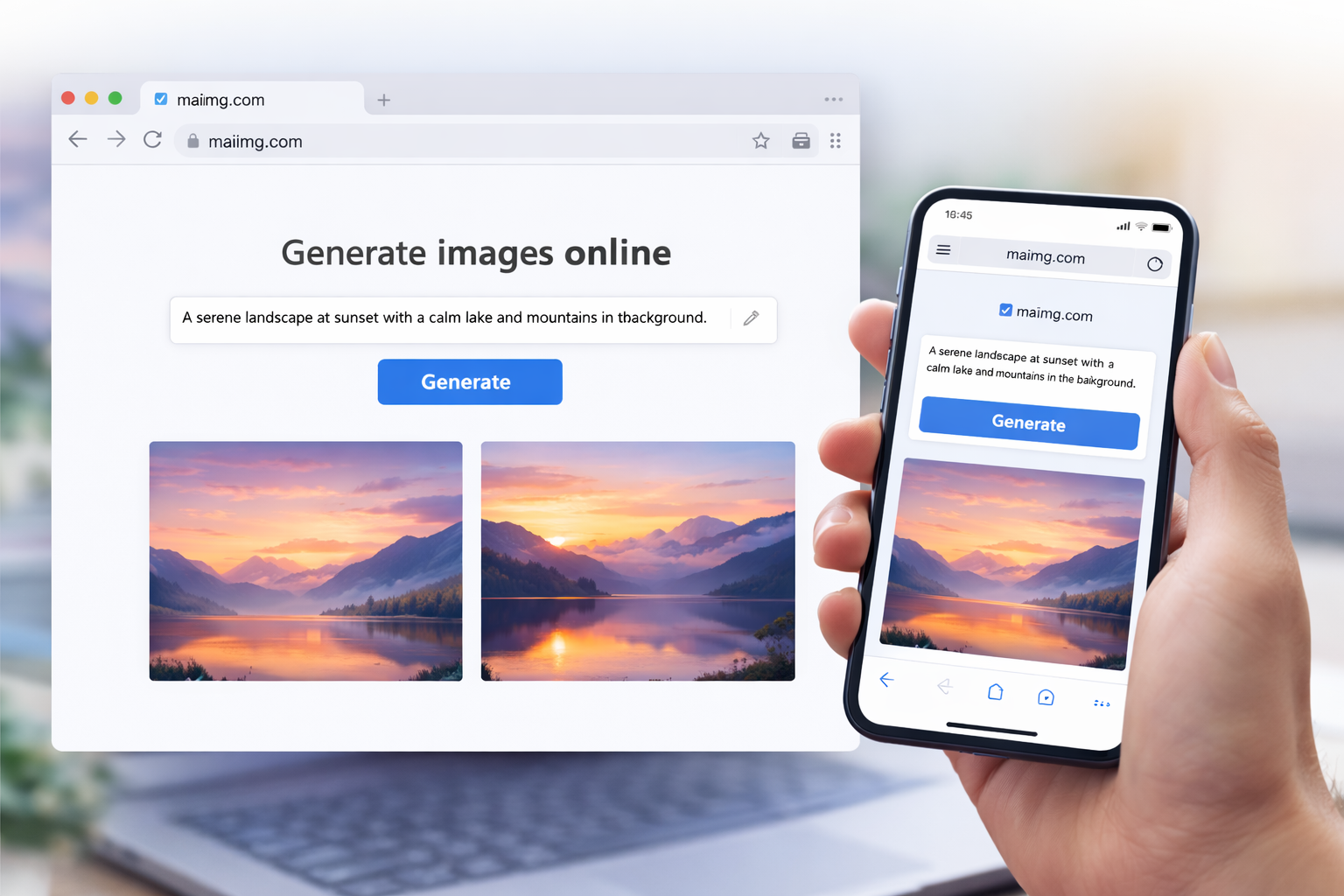
Every service on this list is fine at this part. If a free tool makes you sign up before a single upload, it's already off this list. The real difference comes after upload, not before.
Uploading photos to a free image hosting service
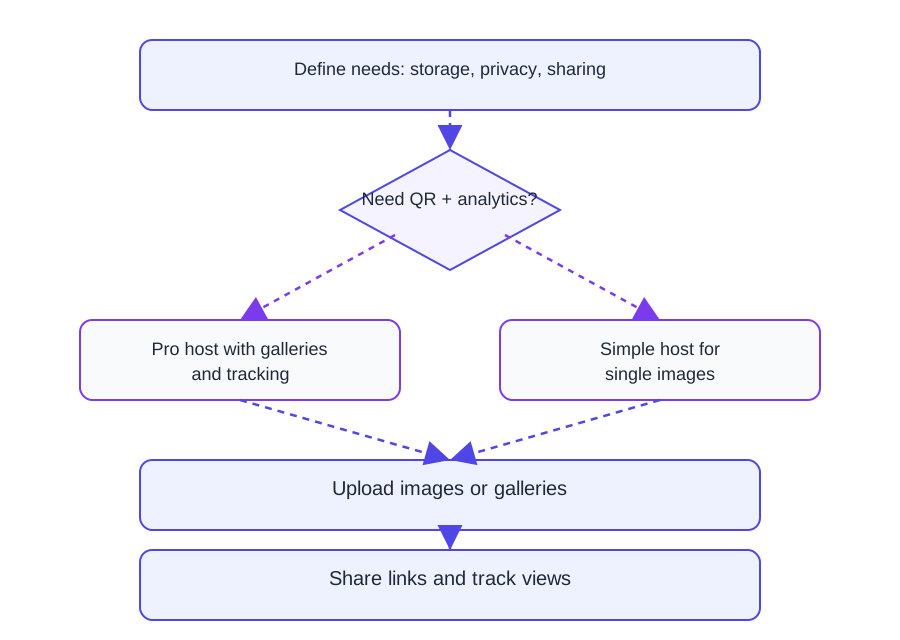
Comparison diagram of free image hosting sites in 2026
Step 2

What you get back is where tools differ

One gives you a permanent public URL. One gives you a URL plus community. One gives you a URL plus limits and an off switch. One gives you a storage library. These are four different products — pick the one that matches the share you have in mind.

Step 3

A link is only as useful as the channel it fits

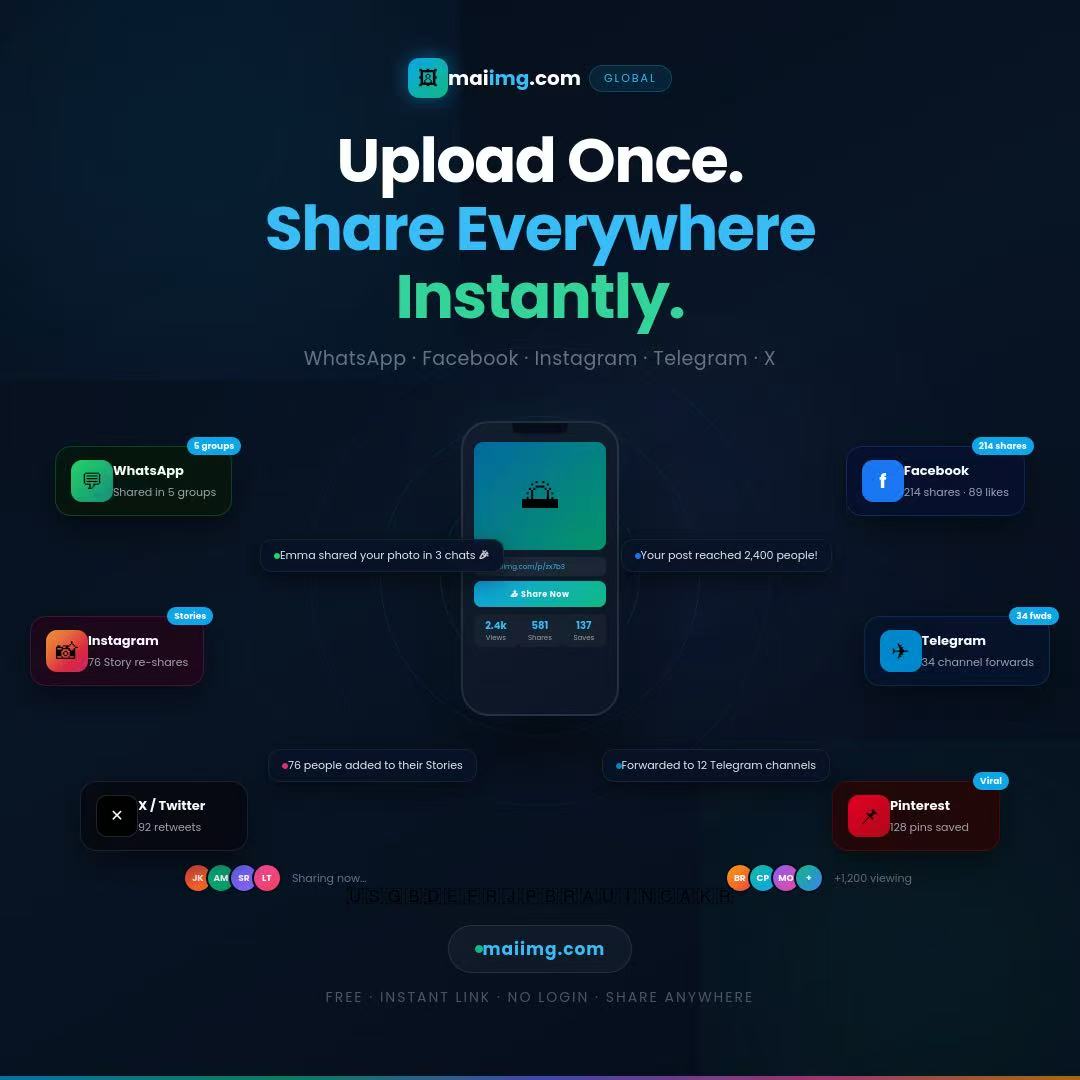
If the audience is in chat, a direct link wins. If the audience is in a physical place — a table, a sign, a card — you want a QR code from the same share. If the audience is a single family member, you probably want both, plus an off switch.

Direct image sharing link card with QR code
MaiIMG shared photo set on a phone
Step 4

The off switch is the feature most lists forget

Pure hosting assumes you never want the photo to go away. For a lot of real-life sharing — client previews, family photos, event recaps — that's exactly backwards. The ability to close a link cleanly is what separates “hosting” from “sharing.”

Pick in under a minute

FAQ

Yes, for normal personal use. You can create shares, use the QR code, and set view limits and expiry without paying for anything.

No real catch for public content — that's what they're designed for. The catch only shows up when you try to use them for private photos and realise there's no real way to take a link back.

Up to 25 files. Bigger collections work better as a few themed shares — one per event, one per moment — instead of one giant link.

No account for viewing — people just open the link or scan the QR. No app install, no sign-up wall between the link and the photos.

Related reads

Free, but with an off switch

If “free image host” means a link you can close later, a view limit, and a QR code from the same share — MaiIMG is the one on this list built for that.

Try MaiIMG